

Projects › 3D rendering › Pastorfrigor
Steel, glass and light tell the product story within the store.
The Pastorfrigor project brings together visuals of professional refrigerators, refrigerated displays and counters for retail and large-scale food stores. Loto Studios worked on the 3D representation of the range and its commercial settings, connecting materials, internal lighting and product arrangement.

PROJECT SHEET
Pastorfrigor at a glance
- PROJECT/01
- PastorfrigorProduct visualisation
- FIELD/02
- RetailProfessional refrigeration systems
- SERVICE/03
- 3D renderingExplore product rendering →
- CONTENT/04
- Product and settingCabinets, displays and counters
- WORK/05
- Models and materialsSurfaces, light and setting
- DELIVERY/06
- Range imagesCatalogues and B2B communication
THE CHALLENGE AND THE SOLUTION
Read the product within a commercial space
The challenge. The range needed a consistent presentation of its structure, surfaces and display volumes. Steel, glass, internal lighting and food products required attention in both isolated product views and store settings.
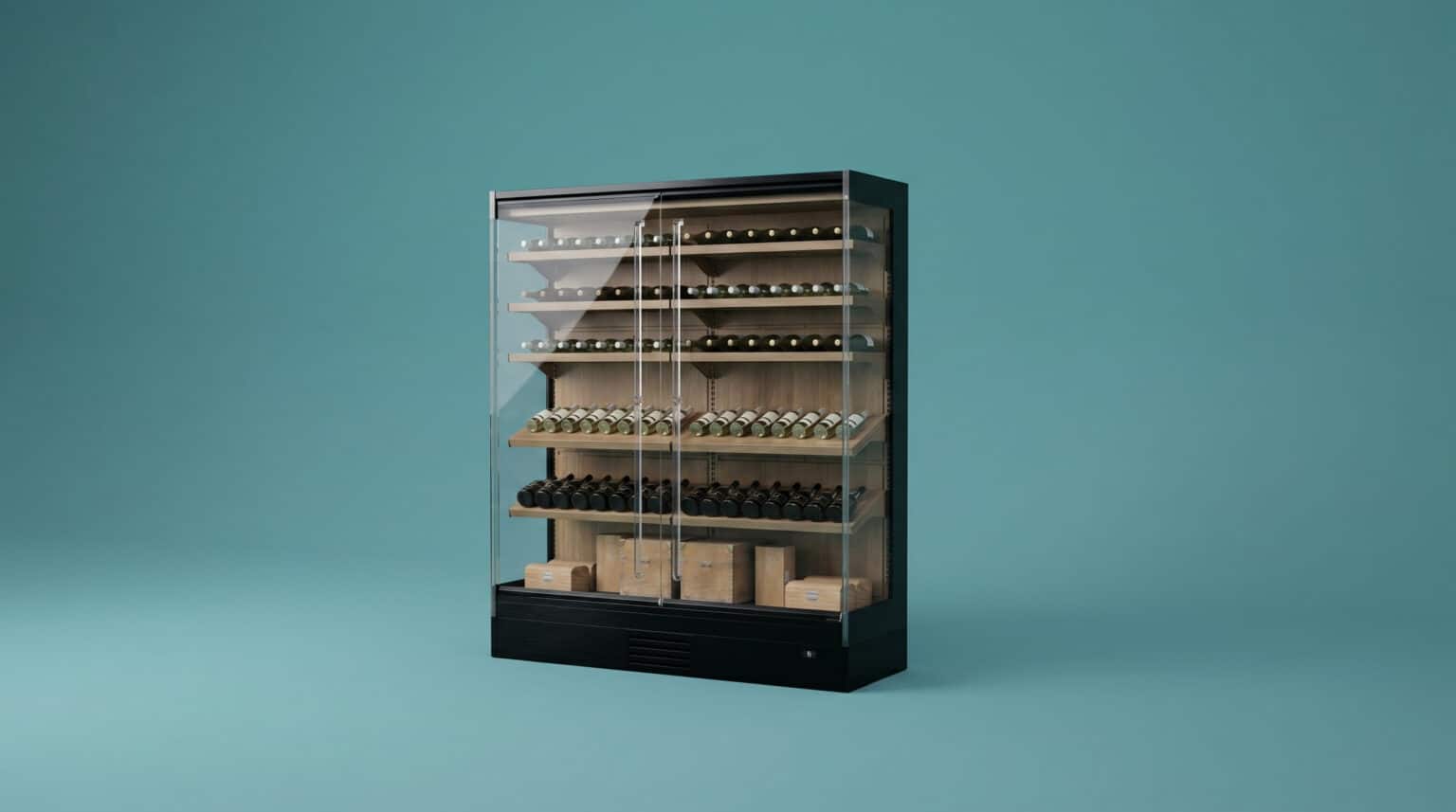
The solution. We created the refrigerator representations and worked on industrial materials, transparency, reflections and commercial lighting. Product arrangement recreates the food display setting, while range views and environments show the form, materials and placement of the refrigeration systems.
- 01Surfaces and transparencySteel and glass define the visual technical identity of the product.
- 02Display lightingInternal light connects the cabinet with the displayed products.
- 03Retail settingThe environment shows the systems within the commercial space.
FROM PRODUCT RANGE TO STORE
Each model within its visual story
- 01 · GEOMETRYThe digital productStructures, shelves and display volumes represented in 3D.
- 02 · MATERIALSSteel and glassMetal surfaces, transparency and reflections in the product presentation.
- 03 · LIGHTCommercial lightingInternal and ambient light show products and details.
- 04 · SETTINGVisual merchandisingSettings and range arrangement within the store.
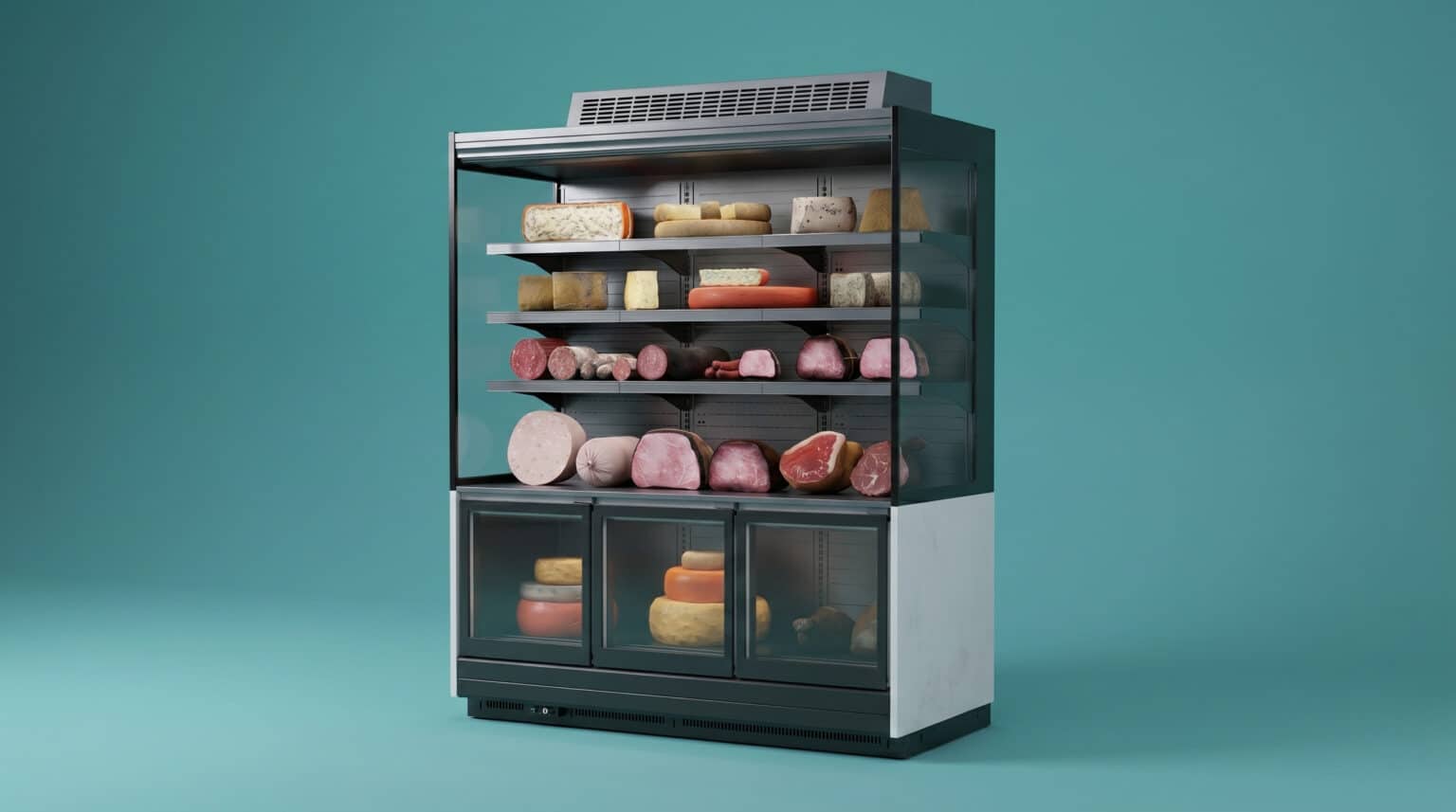
 The upright display cabinet
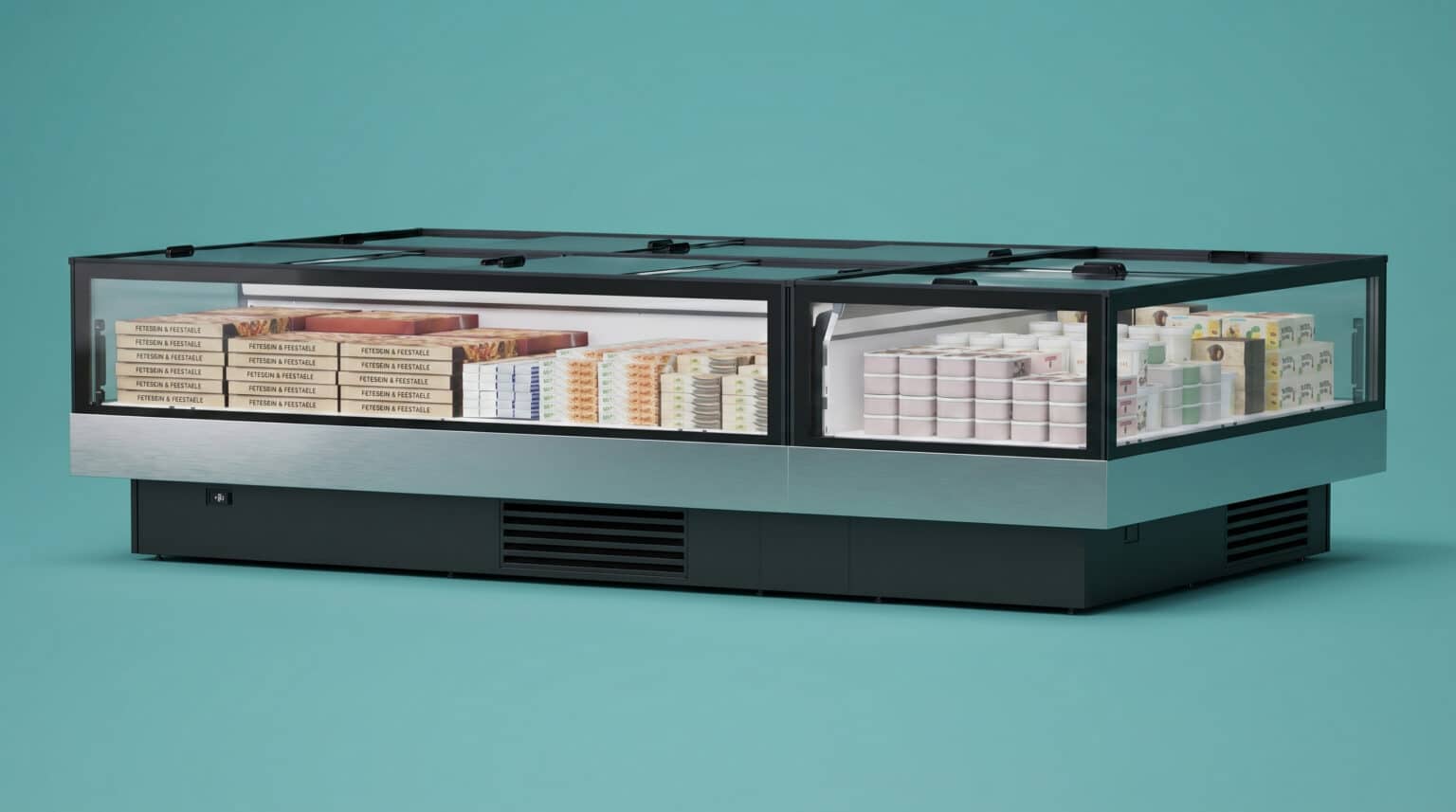
- The refrigerated island
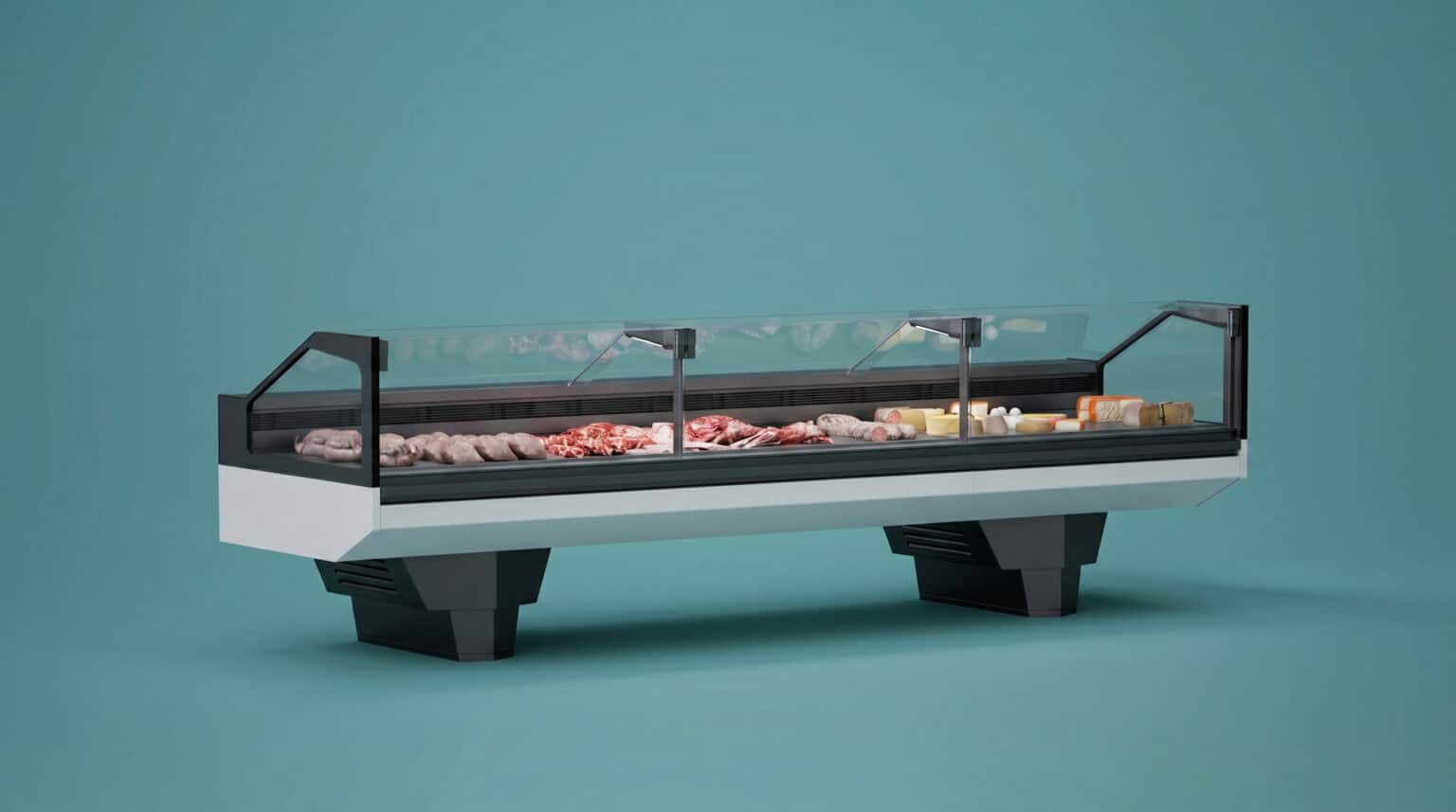
- The assisted-service counter
FROM MODEL TO CHANNELS
One range, several ways to present it
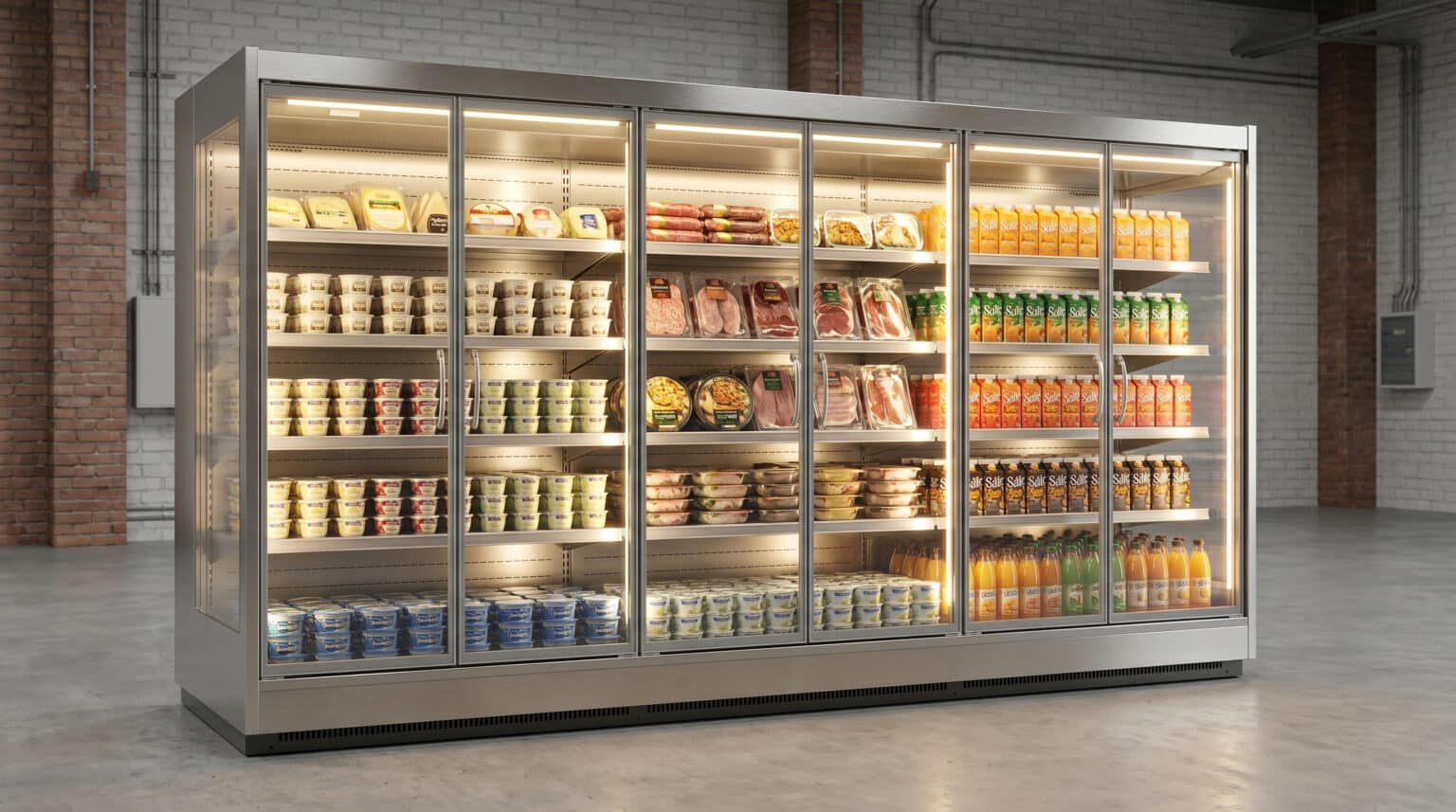
- The range within a retail setting
- A dedicated product view
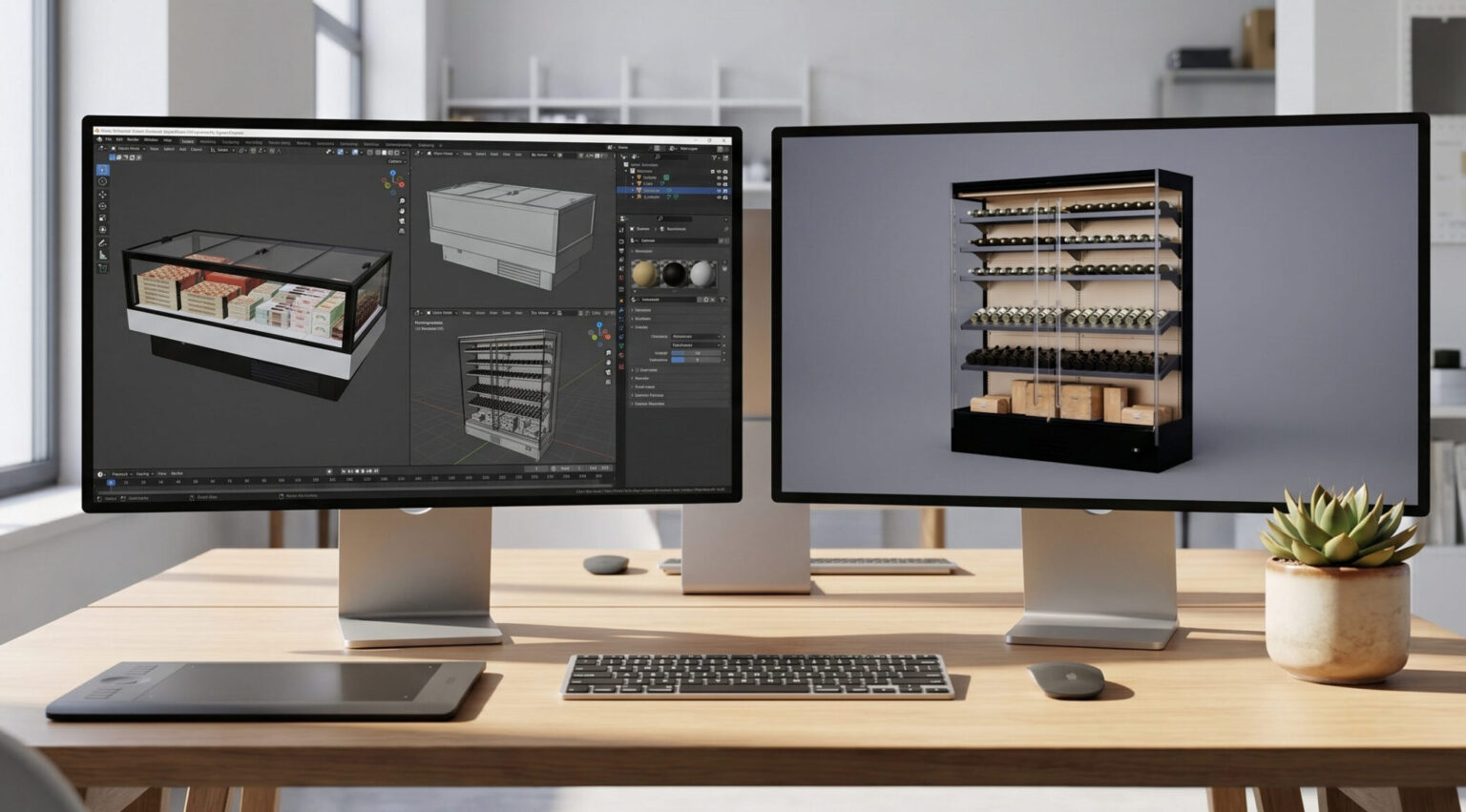
- Work within the digital environment
PRODUCT AND ENVIRONMENT IMAGES
Materials, formats and viewpoints
IMAGES FOR B2B COMMUNICATION
Form, materials and setting across a range
- CATALOGUEA consistent readingViews and visual direction connect the different models within the range.
- DETAILThe visual qualities of the productMaterials, transparency and lighting describe the display systems.
- SETTINGThe product within retailScenes show the relationship between the refrigerators and the store.
The delivery brings together product renderings and environments for presenting the range. The digital representation provides a basis for views aimed at technical catalogues, product sheets, B2B presentations, trade fairs and digital communication. Image framing is chosen according to the product and destination format, from overall views to surface details.
Explore product rendering, 3D rendering and our retail solutions.


LET’S TALK ABOUT YOUR RANGE
How will you show your products?
We start with available geometry, finishes, variants and intended channels. Together we define views and environments to present the range to technical and commercial audiences.