

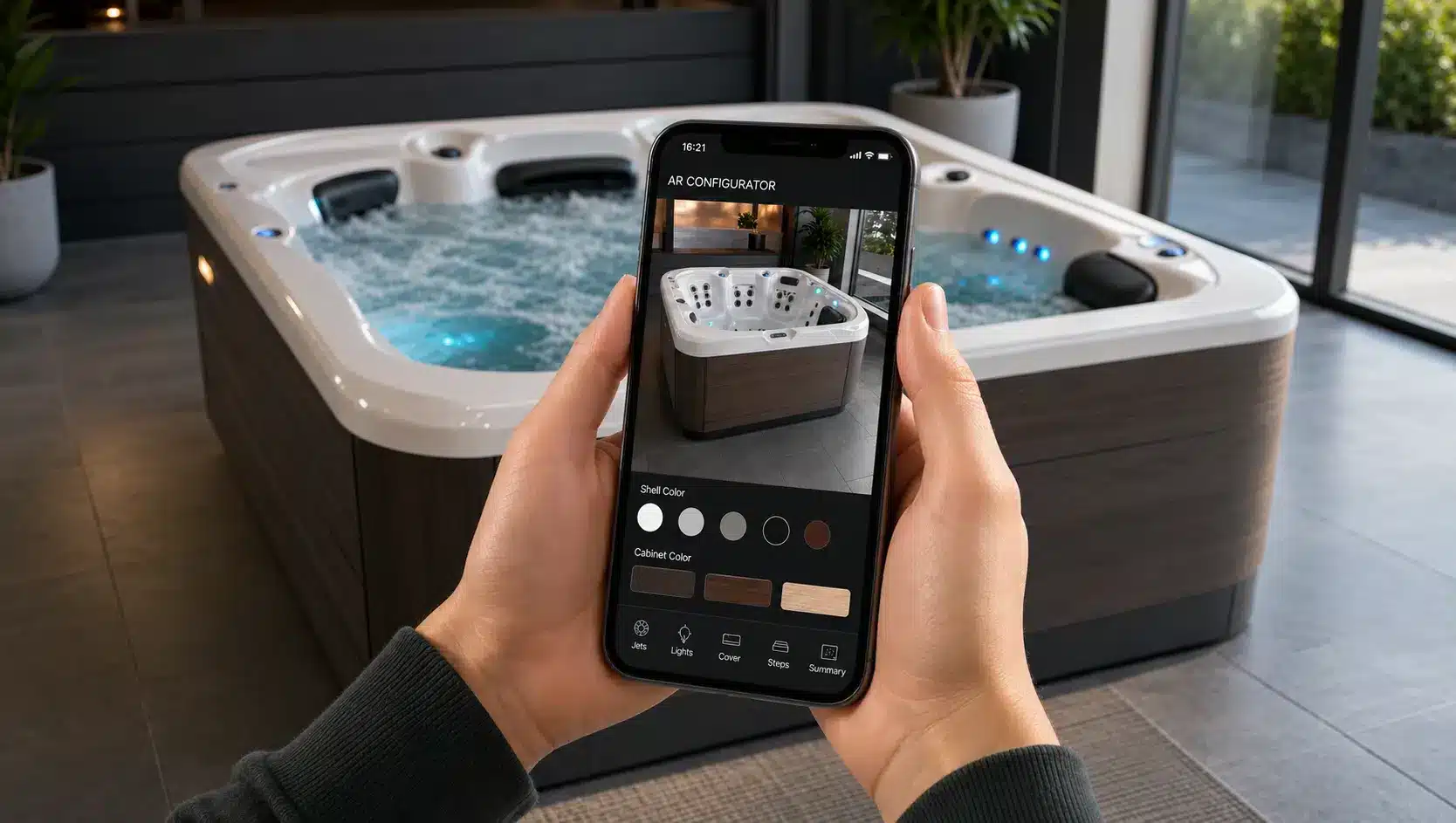
An augmented reality 3D configurator lets users choose variants, colours and finishes and view the product in their own environment using a compatible smartphone or tablet. It helps assess its footprint and combinations before making an enquiry or a purchase.
We design the configuration and the transition to AR viewing together: the selected product must retain the intended variants and a scale consistent with its dimensions. Compatibility, visual quality and interactions are defined for the target devices.
Explore product configurators.
The product in the customer’s space
For furniture, equipment and products where understanding their presence in a real environment matters alongside choosing variants.
Configuration without AR
If users only need to compare options on a screen, consider a web configurator. Augmented reality adds value when the physical setting influences the choice.
THE DELIVERABLE
From the variant to the product in context.
We define a specific set of products, options and devices, with a clear journey even when AR mode is unavailable.
Product configuration
Selection of agreed colours, materials and accessories, with model updates and defined compatibility rules.
Augmented reality viewing
Placement of the configured product in the camera view, on supported devices and using the agreed methods.
Transition to an enquiry or purchase
A summary of the choices and a next action to design: a sales enquiry or a connection to the existing sales journey.
THE PROCESS
Five steps from selection to an AR preview.
We first test a representative product, then extend the solution to the agreed catalogue.
Experience analysis
We define products, audience, usage environment and the objective of the journey.
Model preparation
We check dimensions, geometry and materials and optimise file size for the intended devices.
Rules and interface
We organise choices and permitted combinations, with controls suited to mobile screens too.
Transition to augmented reality
We connect the configuration to AR mode, checking variants, scale and behaviour on supported devices.
Testing and delivery
We test loading, placement, alternatives to AR mode and the final action before delivery.
The quote depends on models, variants, file quality, supported devices and integrations. The starting price does not automatically include every feature.
USAGE EXAMPLES
Furniture, equipment and vehicles: understanding the product.
The images already on this page illustrate configuration and digital visualisation. They do not document measured commercial results.
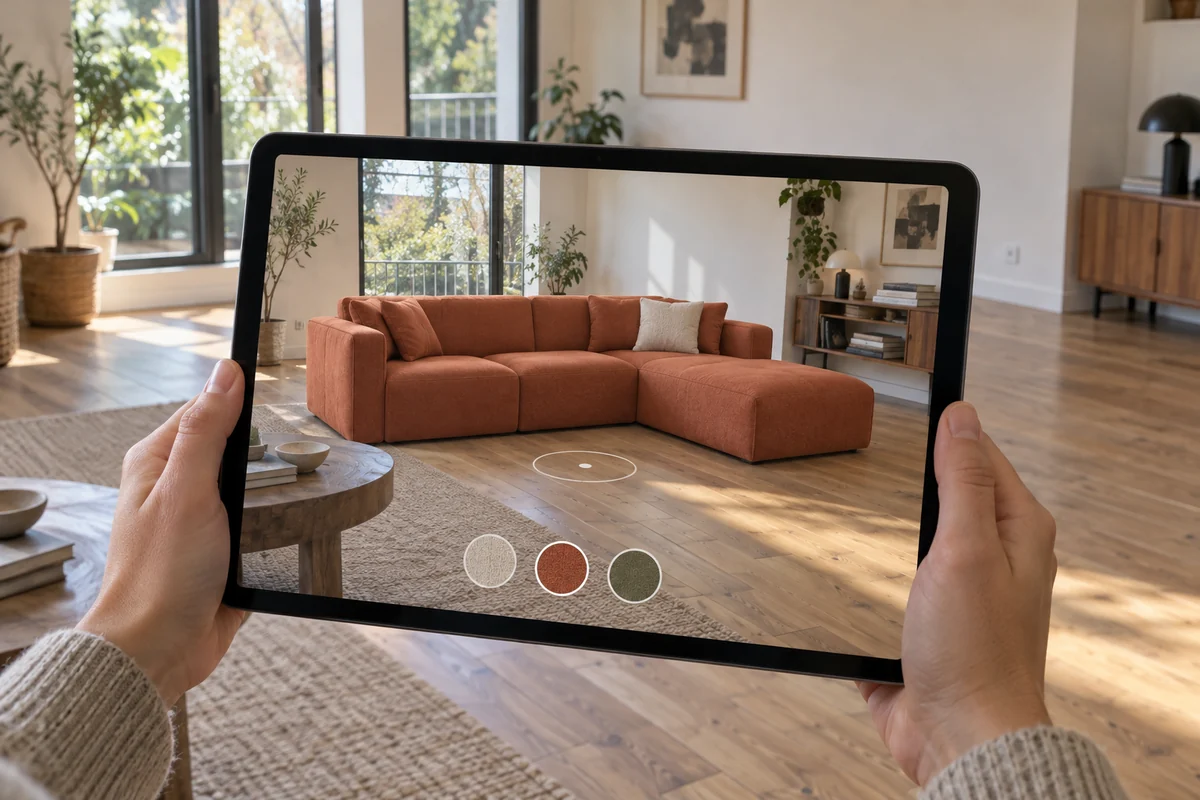
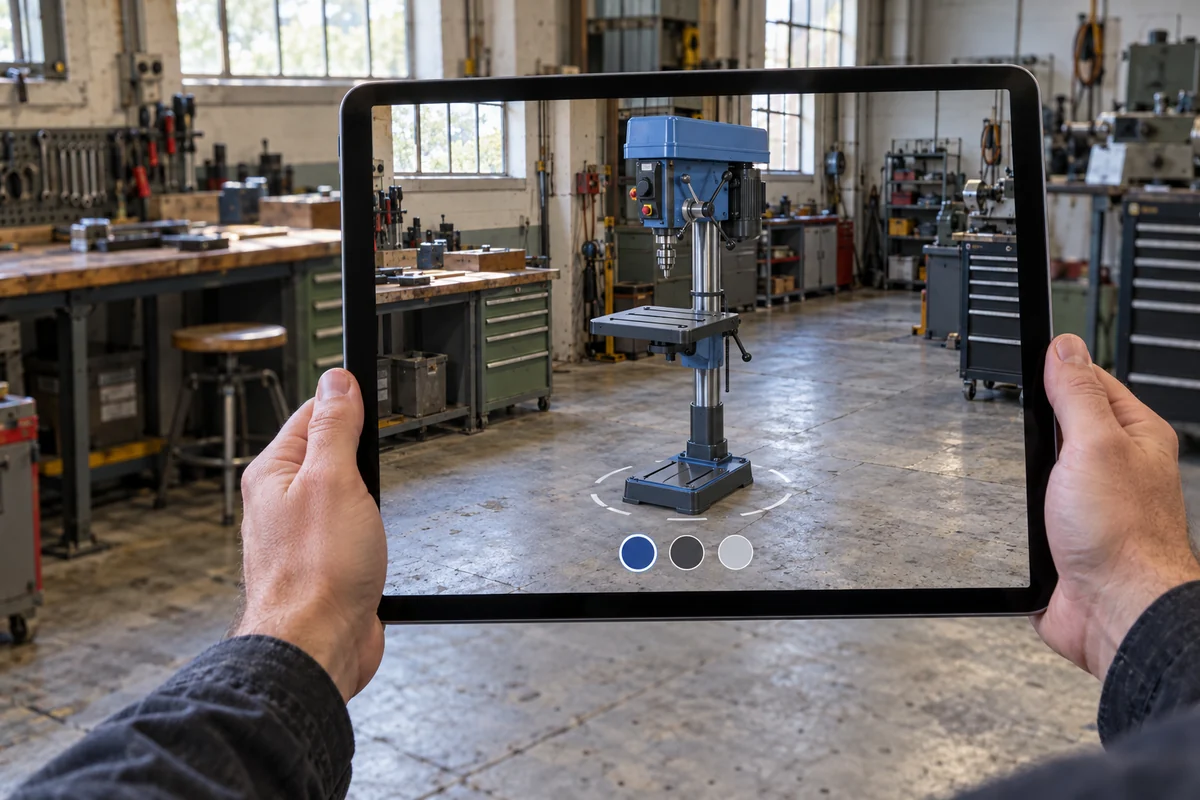
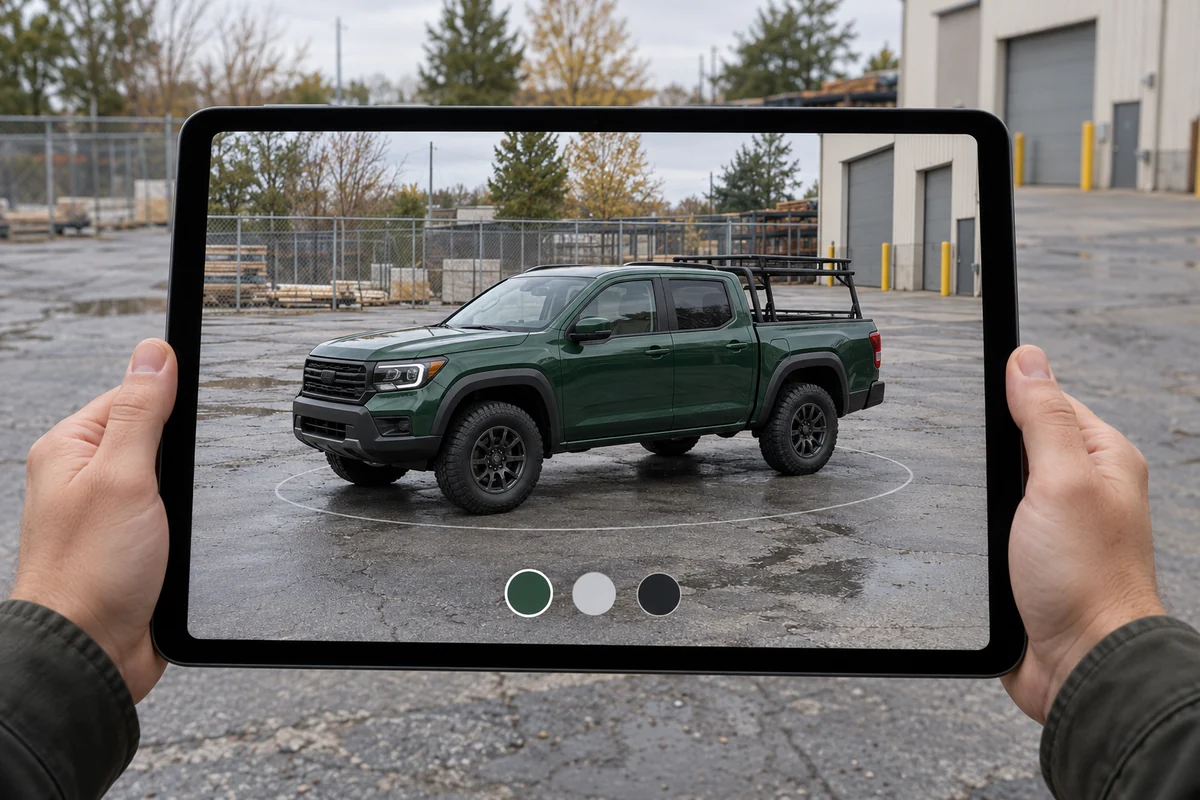
A tub or piece of furniture can be compared with the available space; for equipment and vehicles, configuration helps users understand options and footprint. Actual features depend on the agreed scope.
AR visualisation does not replace a technical survey or installation check. Surface detection, lighting and the device can affect placement; product dimensions remain the reference.
FREQUENTLY ASKED QUESTIONS
Before starting your augmented reality configurator.
How much does an AR 3D configurator cost?
Starting from €4,000.
Do users need to install an app?
Not necessarily: access can start from the browser on compatible devices. We assess whether the intended experience can use this approach or needs a dedicated app, clarifying requirements before development.
Does it work on every smartphone?
Compatibility depends on the device, system and chosen AR mode. We agree and test a list of devices; where AR is unavailable, we provide 3D viewing as an alternative.
Is the product shown at its real dimensions?
We prepare the model with dimensions consistent with the product. Placement accuracy also depends on environment detection: actual dimensions must still be checked for clearance and installation.
Do selected finishes remain visible when switching to AR?
This is a requirement to verify within the project. We define which variants to transfer and test them in the intended AR mode; not every configurator interaction is automatically available while viewing the product in the environment.
What files are needed to get started?
3D models or drawings with dimensions, material references, a variant list and compatibility rules. If models are missing, we assess reconstruction; existing files may need optimisation.
Can it connect to a website or an online shop?
Yes, by defining the journey and required data: opening from the catalogue, summarising the variant and continuing to an enquiry or cart. Connections and integrations are assessed against the existing system and form part of the agreed features.
LET’S TALK ABOUT YOUR PROJECT
Which product would you show in the customer’s space?
Tell us about your products, variants, intended devices and the purpose of your enquiry. We help define an initial scope and the materials to prepare.
AN INITIAL DISCUSSION
Products, variants and systems to connect.
Share the catalogue, available 3D files and configuration rules. We can then assess the experience and required integrations together.
REQUEST AN INITIAL DISCUSSION
Tell us about the product to configure.
The fields below are optional and help us tailor our first response.