

Projects › 3D rendering › Automatika
The vending machine takes shape before the physical product.
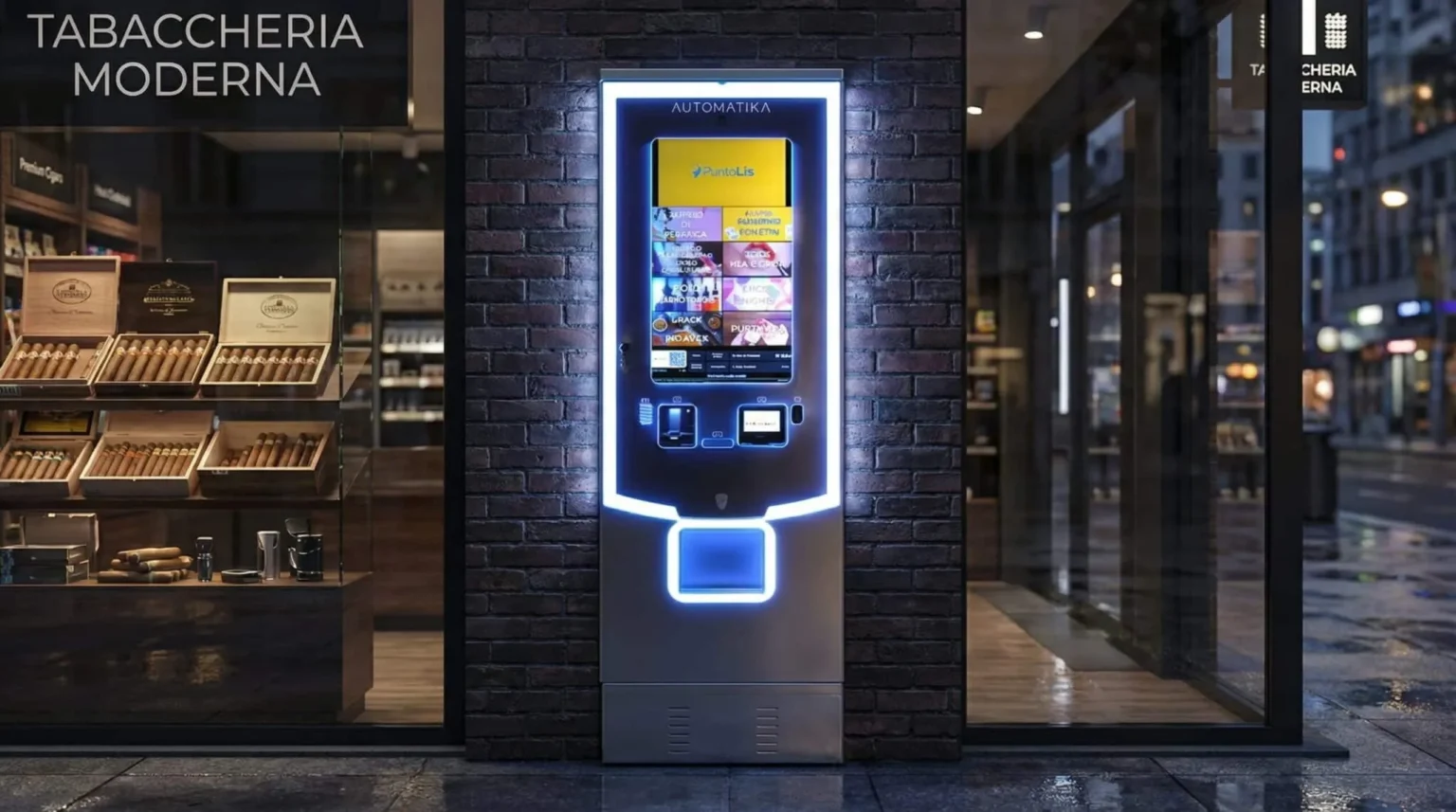
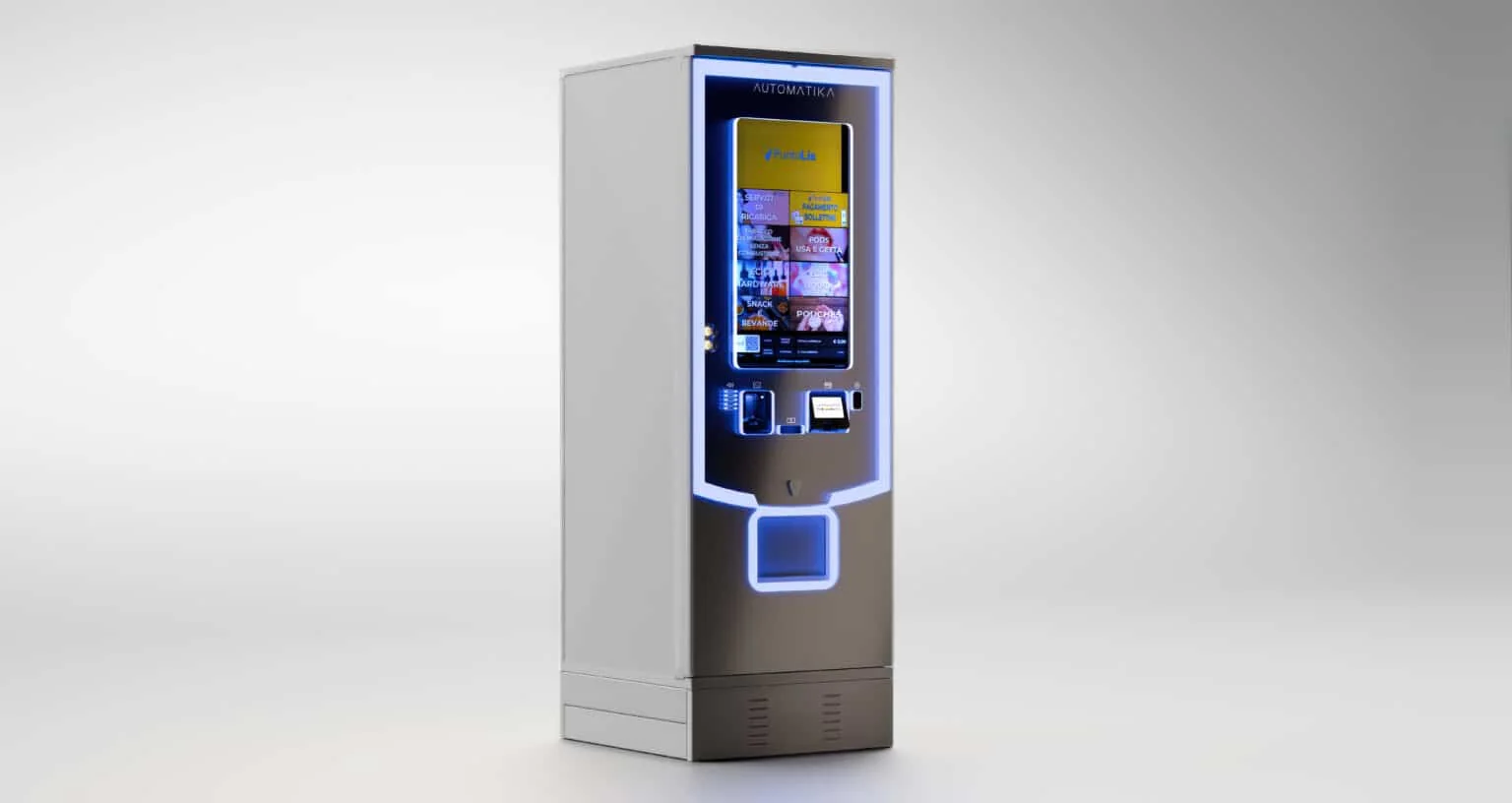
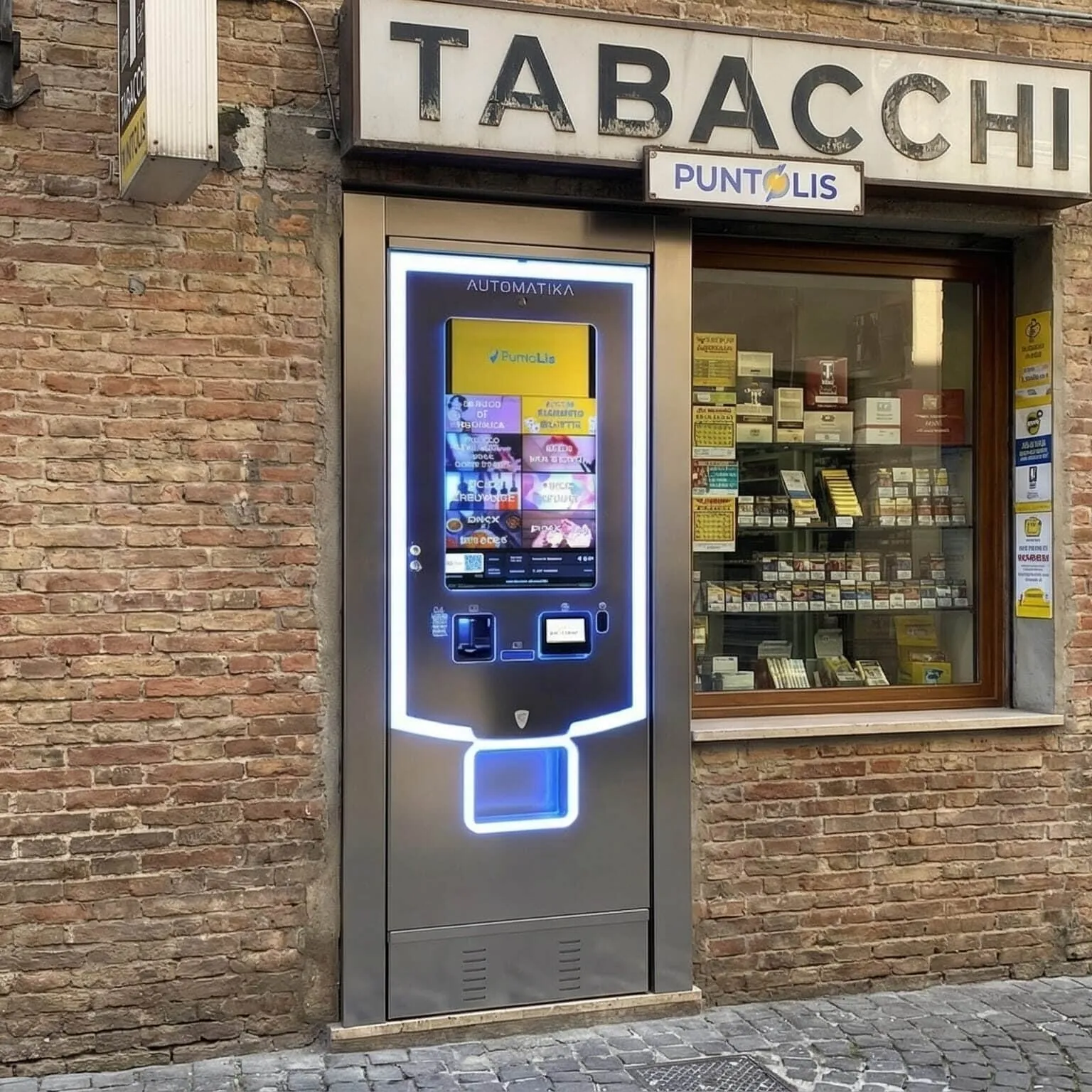
For Automatika, we created 3D images of a vending machine before the physical machine was available. Neutral backgrounds, three-dimensional settings and photomontages show the same product through different forms, finishes and contexts.
PROJECT SHEET
Automatika at a glance
- CLIENT/01
- AutomatikaExplore product rendering →
- PRODUCT/02
- Vending machineAutomatic dispenser
- SERVICE/03
- 3D renderingExplore product rendering →
- DELIVERY/04
- Still imagesNeutral backgrounds, settings and photomontages
- USE/05
- Catalogue and websiteProduct presentation
- YEAR/06
- 2026Documented use of the images
THE CHALLENGE AND THE SOLUTION
Presenting the product before it is available
The challenge. Make the vending machine visible without relying on the availability of a physical example. Form, proportions and finishes needed to remain readable in overall views and details, both against an essential background and within a setting designed for communication.
The solution. We worked on the digital representation of the machine, its materials, lighting and viewpoints. The vending machine remains the subject of the images while the background and setting change. Neutral views highlight the object, 3D settings build the space and photomontages place it within a photograph.
- 01Form and proportionsA clear reading of the machine’s volume and components.
- 02Surfaces and lightFinishes and reflections define the product’s appearance.
- 03Presentation settingsThe scene changes according to the image being produced.
FROM PRODUCT TO IMAGES
One digital base, different forms of presentation
- 01 · PREPARATIONThe digital productOrganise the representation of the vending machine and the surfaces to show.
- 02 · APPEARANCEMaterials and lightingChoose finishes, lights and reflections to make the machine readable.
- 03 · SCENEObject and settingNeutral backgrounds, 3D environments and integration into a photograph.
- 04 · PRESENTATIONViewpoints and useCompose images in relation to the client’s catalogue and website.
 The product against a neutral background
- The machine within a 3D setting
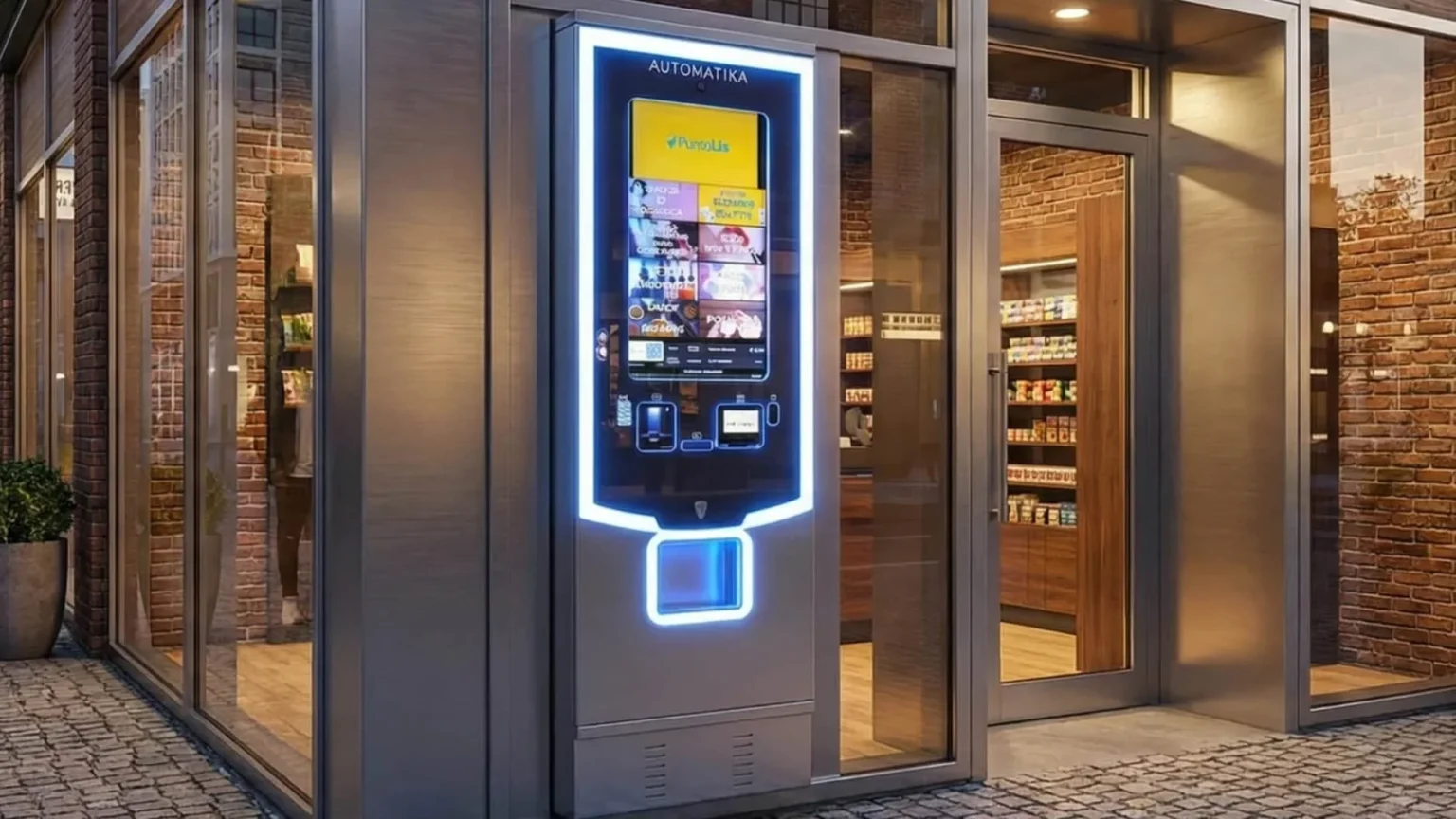
- The model within a photograph
FORM AND FINISHES
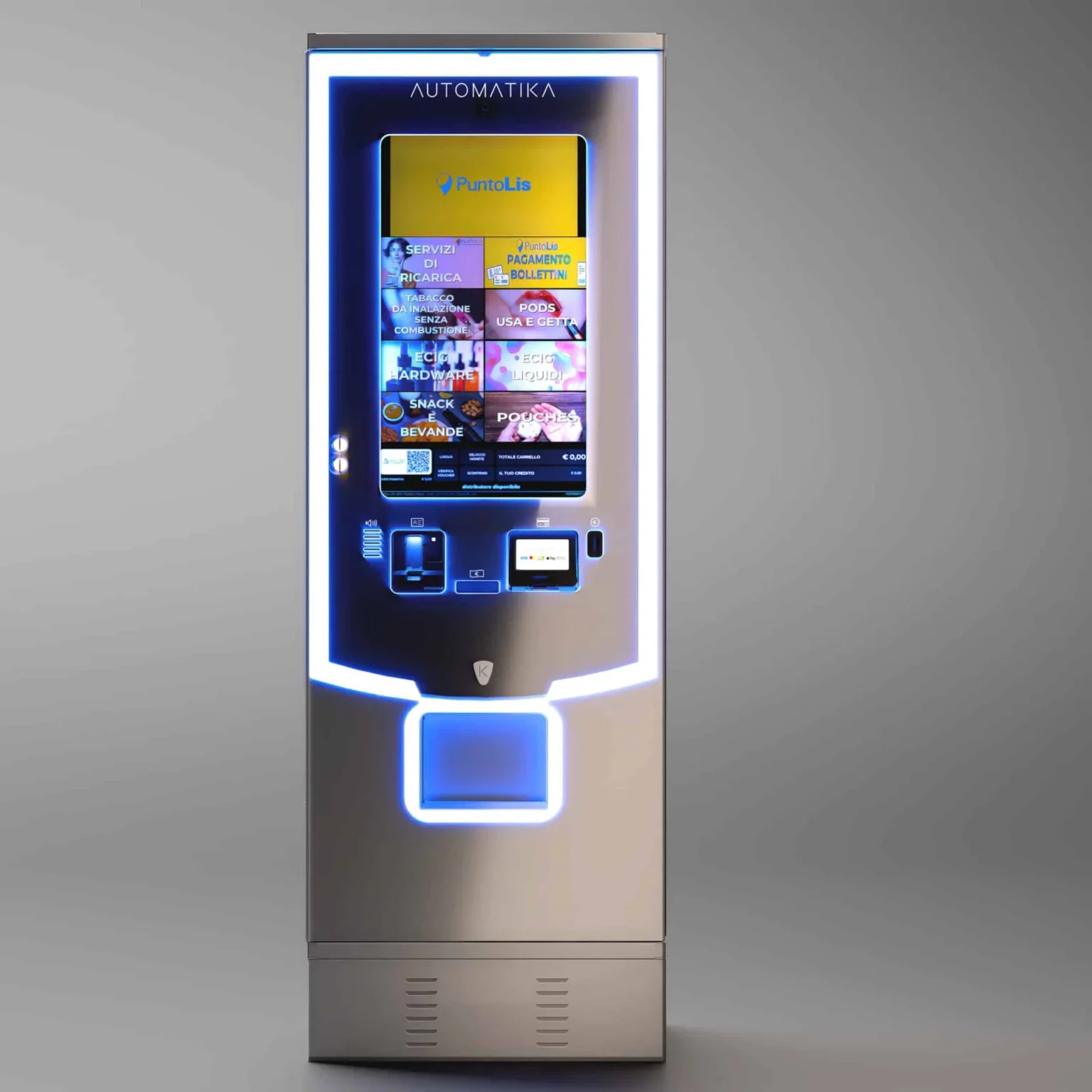
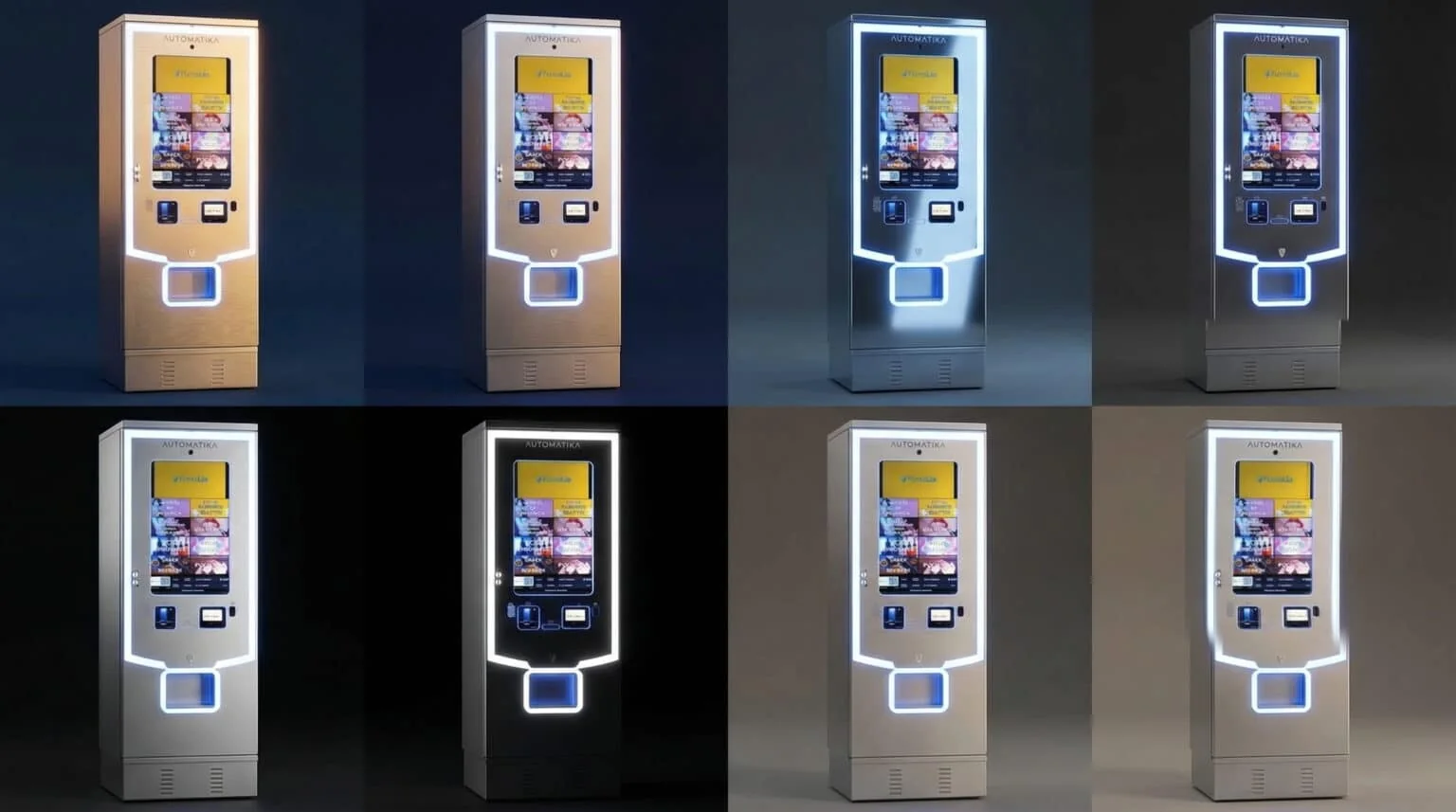
The same machine, from other viewpoints
- The three-quarter view
- Reading the product from the front
- Comparing the finishes
A CLOSER LOOK
Views, surfaces and settings of the machine
HOW THE IMAGES WERE USED
The product enters the catalogue and website
- CATALOGUEThe printed presentationThe images were used in the client’s printed catalogue in 2026.
- WEBPresentation on the websiteViews of the machine were also used in the client’s online communication.
- PRODUCTA reading before the physical machineThe digital model makes it possible to show form, surfaces and finishes before the physical example is available.
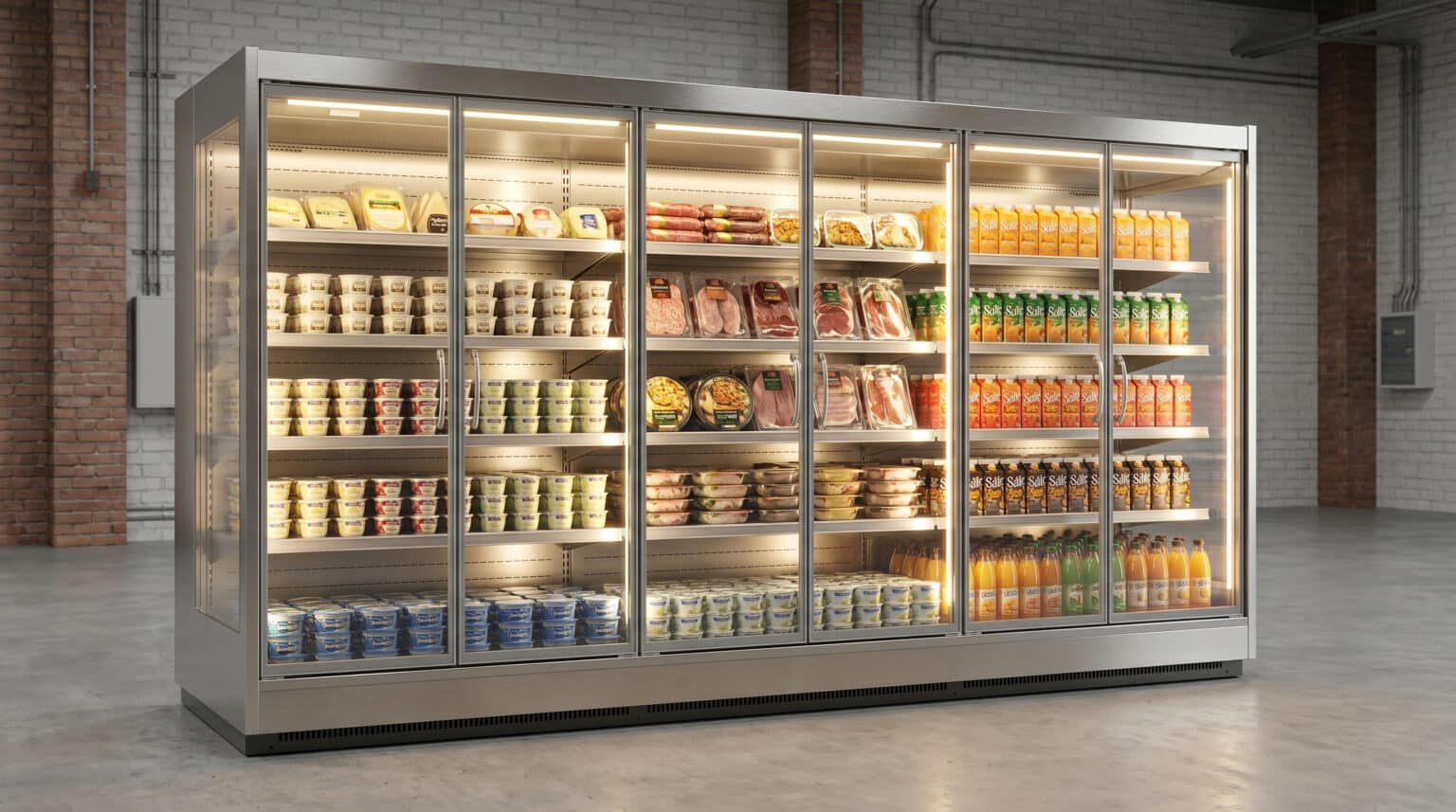
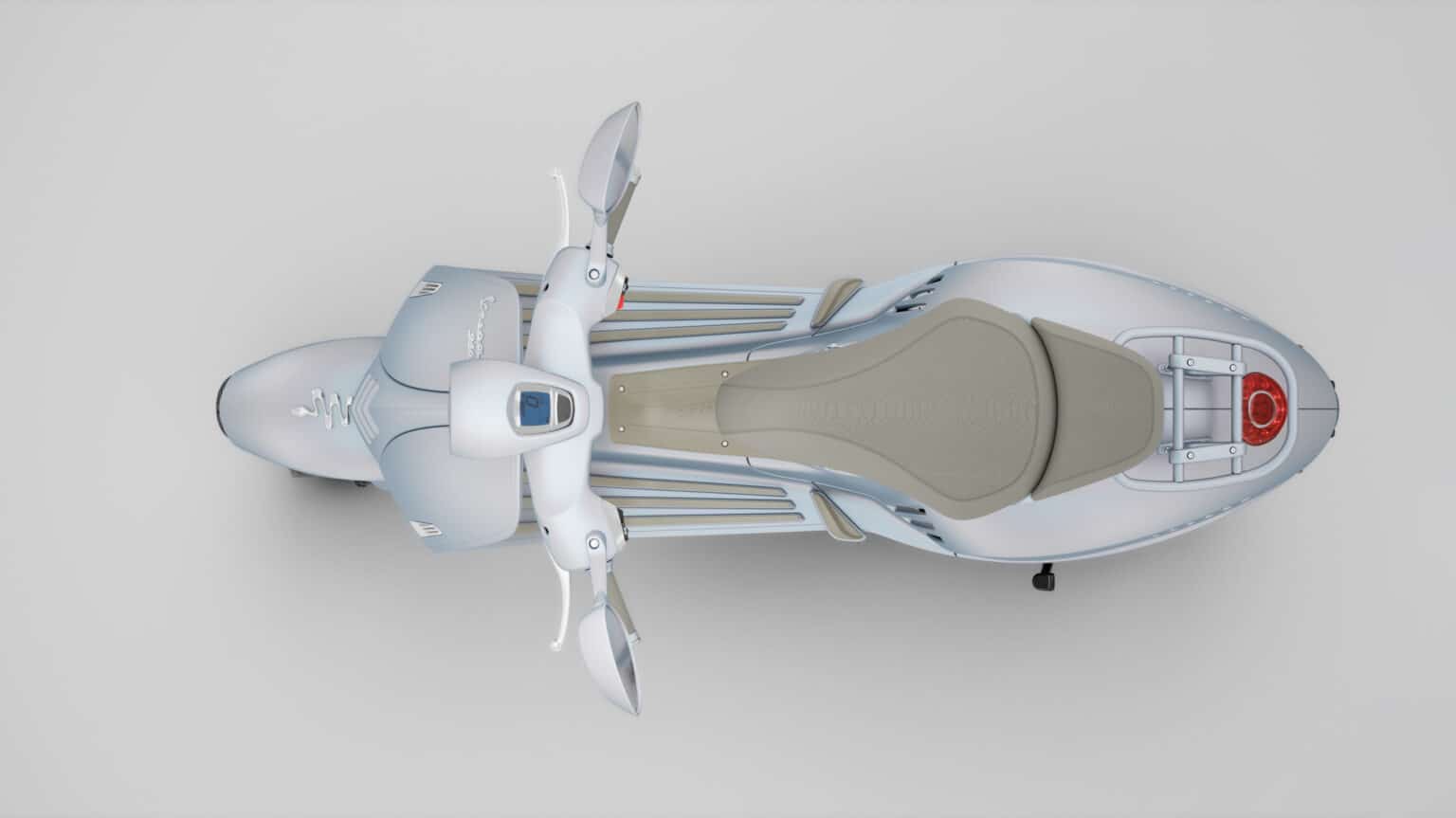
A product-sheet image needs to make the object clear; a communication visual can give more space to its setting. The Automatika project connects these needs through the same digital representation. Viewpoints, backgrounds and composition are chosen alongside the destination of the image while keeping the machine’s characteristics consistent.
Explore product rendering, industrial rendering and our 3D rendering studio.

LET’S TALK ABOUT YOUR PRODUCT
Do you need to present it before it is ready?
Tell us about the product, available geometry or references and where the images will be used. Together we define views, materials and formats for catalogues, product sheets and sales presentations.