

THE FOUNDATION
VR experiences for business, training and simulation designed around the scenario.
A VR experience immerses users in a digital scenario where they can move, interact and make decisions. It is useful for training, simulation, presentations and culture when the spatial context is part of the problem.
Loto Studios develops virtual reality applications for business, 3D content and interactions for standalone devices and PCVR. We start from the operational or narrative objective, define locomotion, duration and hardware, then build assets and software around the actual conditions of use.
The headset is not the project: it is useful when presence, scale, space and first-person interaction add value that video, Web3D or AR cannot offer in the same way.
REAL APPLICATIONS
When VR is useful — and when another format is more appropriate.
VR makes sense when users need to experience the scenario first-hand and interact with space, objects or procedures. If immersion and a headset do not change the result, a format that is easier to distribute is preferable.
It makes sense when users need to…
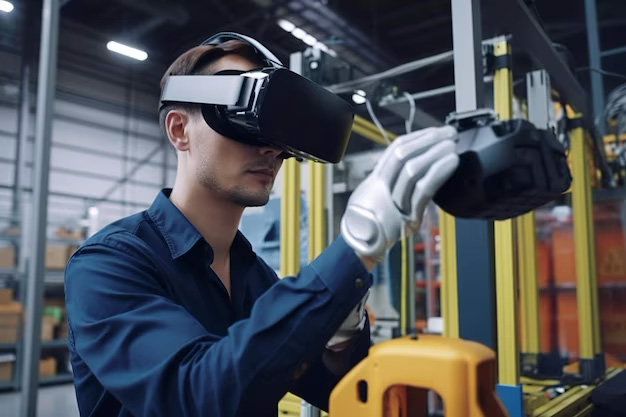
VR training and simulation allow decisions and actions to be repeated in controlled scenarios when an error in the real world would be costly, risky or difficult to recreate.
Immersive presence is useful when dimensions, distances, orientation and movement are part of learning, demonstration or assessment.
An immersive prototype can test clearances, visibility, accessibility and perception at scale before purchase, construction or production, when these decisions depend on space.
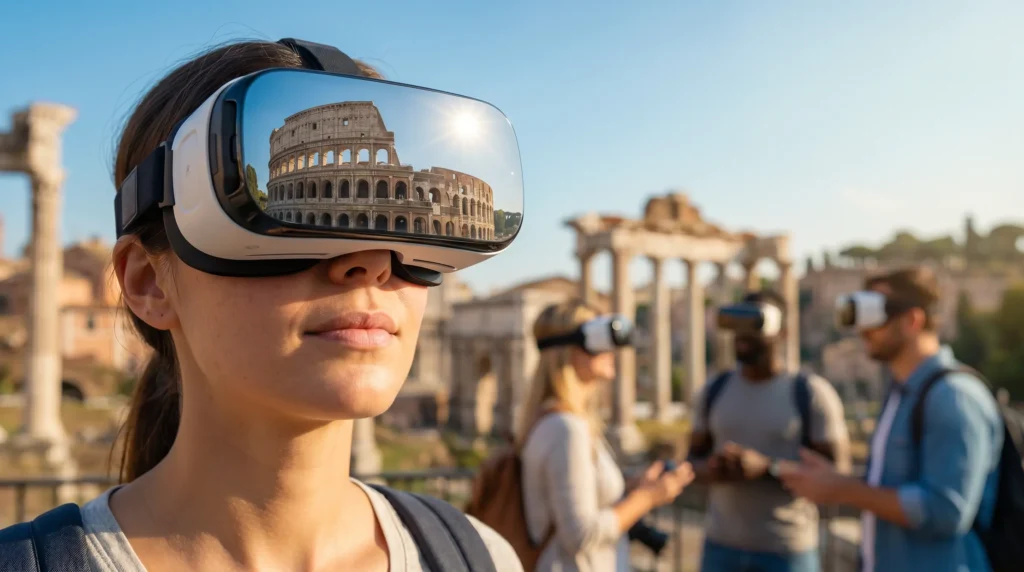
Culture, tourism and reconstructions can place users inside environments that have disappeared, are remote or cannot be made physically accessible.
Events and presentations can use a headset when the effect depends on being inside the scene, with onboarding, duration and participant management designed for the actual context.
Choose another format when the problem is…
WHAT WE DELIVER
From the scenario to the VR build, with hardware and use defined before deployment.
We deliver builds, content and interactions tested on the agreed configuration. Analytics, biofeedback, multiplayer, voice or AI avatars are included only when they belong to the scenario.
Input: objective and scenario, users, available devices, physical space, session duration, CAD or 3D assets, content, audio, data and systems to integrate.
Output: VR build, optimised assets, interactions, locomotion and immersive UI, testing criteria, a distribution package and agreed documentation for standalone devices, PCVR or a managed installation.
Before full production, we define comfort, play space, onboarding, duration, tracking and distribution. If the scenario needs to evolve, we identify which content can be updated without rebuilding the entire application.

OUR SERVICES
VR experiences for different objectives.
Training, education, healthcare, events and immersive digital twins share a headset, but not the same project: scenario, comfort, data, session and success criteria differ significantly.
VR Training and simulators
Simulations, procedural simulators and training paths for onboarding and operational procedures. The scenario, interactions and feedback are built around what people need to learn or practise, rather than the immersive effect alone.

Immersive education
Educational experiences for schools, universities and public learning. VR makes sense when spatial exploration, scale or the ability to manipulate content make something clearer than it would be on a screen.

VR Gamification
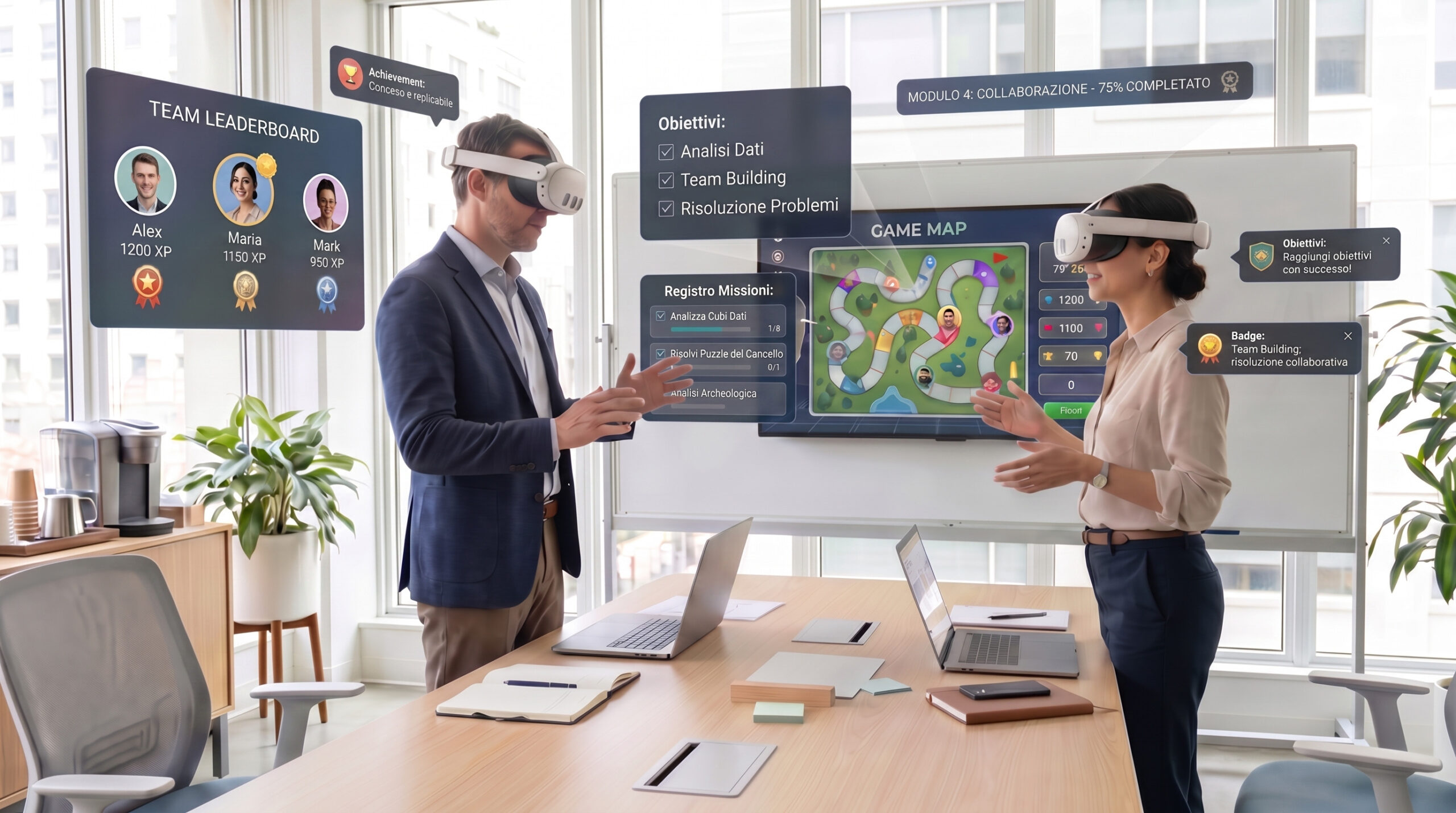
Serious games and interactive mechanics for learning and engagement. Objectives, rules, feedback and progression are designed around the behaviour to train or communicate, rather than added after the 3D scene.
VR Healthcare
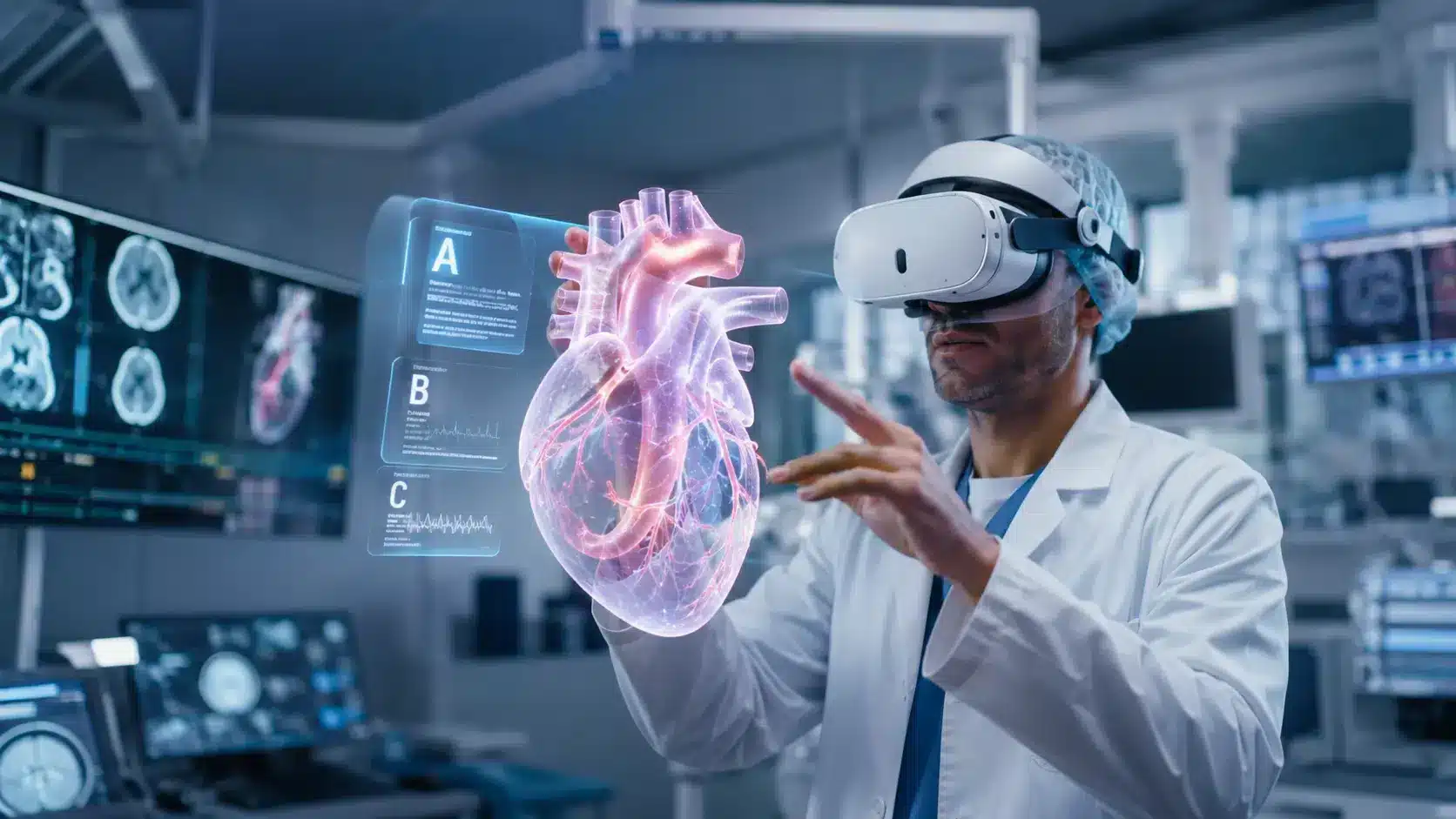
Immersive experiences for simulation, psychology and clinical contexts. Interaction, data collection and realism are defined around the protocol and use case; this page does not replace clinical or medical validation.
VR for events and trade shows
Immersive activations for stands, product launches and presentations. The session, onboarding, cleaning, space and participant flow become part of UX because an event experience is used differently from an individual office demo.
Immersive Digital Twins
We use the term digital twin only when the immersive environment connects to data, state, procedures or simulations of the real system. A navigable 3D environment alone remains a VR experience rather than a digital twin.
OUR PROCESS
How we work: from the scenario to the final VR build.
Four stages with verifiable outputs and testing on the target device.

Objective and scenario
We define users, objectives, duration, devices, content and the necessary interactions.
01

Immersive UX and prototype
We design locomotion, interactions and the experience flow, then build the first prototype.
02

Production and development
We produce the 3D assets, develop logic and integrations, and optimise the scene for the headset.
03

Testing and delivery
We test comfort, performance, interactions and distribution on the intended device before delivery.
04
TECHNOLOGY AND CONTROL
Standalone, PCVR or a managed installation: hardware changes the build.
Portability, visual fidelity, space, networking and distribution directly affect assets, rendering, interactions and project management.
STANDALONE
An independent headset and simpler distribution
Suitable when portability, quick setup and working without a dedicated PC are priorities. Assets, lighting, shaders and logic must nevertheless fit the device’s computing budget.
PCVR
More graphics capacity, more infrastructure
Appropriate when the scene, simulation or visual quality require a dedicated workstation. The PC, headset connection, space and hardware management become part of the solution.
EVENT / HEADSET FLEET
More users mean more management
When multiple devices need preparation, updates or continuous rotation, distribution, accounts, networking, charging, onboarding and operational support join the scope alongside the individual build.
Comfort and performance are requirements of the experience, rather than final refinements.
Locomotion, frame pacing, UI, field of view and session duration affect understanding and tolerability. They need to be tested early with the intended audience and hardware.
Locomotion and space
Teleportation, continuous movement, room-scale or a seated experience create different comfort and space requirements. The choice depends on the task, audience and real location in which the headset will be used.
UI, readability and interactions
Text, menus, pointing, hands and controllers need to work at the user’s actual viewing distances. An interface that works on a monitor can be uncomfortable or unreadable inside a headset.
Performance and assets
Geometry, materials, lighting, effects and logic are optimised for the target platform. We do not publish a universal FPS figure: the budget is verified on the build and the actual intended device.
Distribution and updates
Stores, sideloading, internal management and event stations follow different procedures. We define installation, updates and build recovery before the project reaches the field.
QUOTE
Have a scenario that could benefit from VR?
Tell us the objective, audience, duration, space and available hardware. We separate content, development, devices and operational management before defining the scope.
PRICES AND DELIVERY
How much it costs to develop a custom VR experience.
The starting prices are already shown on this page and in Loto’s quotes. Delivery depends on the number of scenarios, assets, interactions and devices, and is defined after the brief.
| VR project type | Indicative price | Indicative delivery | Action |
|---|---|---|---|
| Simple VR experience / immersive content | From €2,000 | Defined after the brief | Request a quote |
| VR Gamification | From €3,000 | Defined after the brief | Request a quote |
| VR Healthcare | From €4,000 | Defined after the brief | Request a quote |
| Advanced training / VR Digital Twin | From €5,000 | Defined after the brief | Request a quote |
Hardware, headsets, workstations, specialist tracking and external infrastructure are quoted separately when outside the software scope. For events or headset fleets, we also distinguish build development from setup and operational management.
WHICH SOLUTION IS RIGHT?
VR, AR, Web3D or an immersive installation?
The main criterion is where the experience will run: inside a headset, overlaid on the real world, accessible from a browser or shared in a physical space with hardware and an audience.
FULL IMMERSION
Virtual Reality
When users need to enter a scenario and interact with space, objects and procedures through a headset.

REAL WORLD + DIGITAL
Augmented Reality
When digital content needs to appear in the real space through a smartphone, tablet or AR device, without isolating users from their environment.
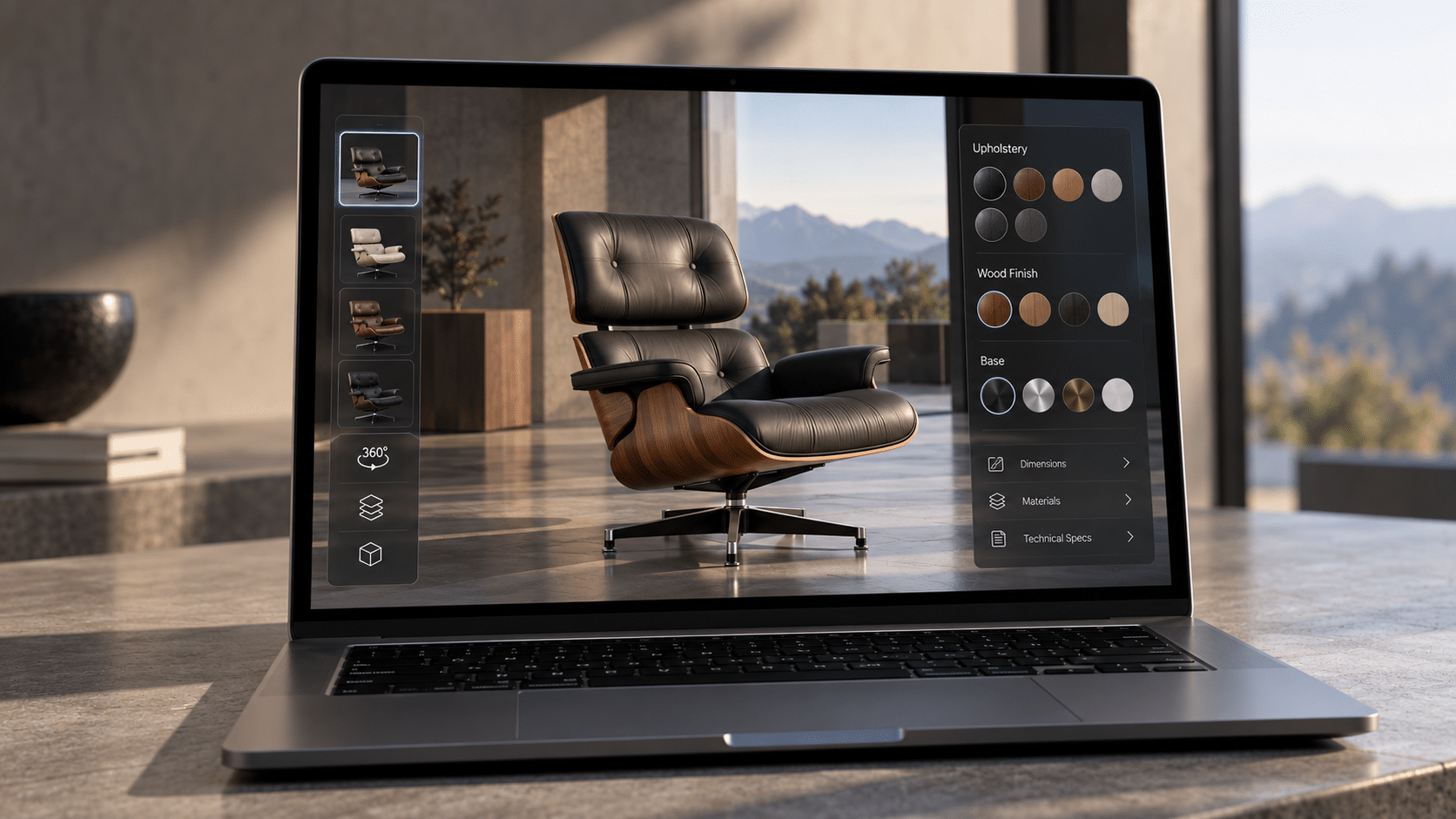
ACCESSIBILITY
Interactive 3D application
When the experience needs to be accessible from a browser, touchscreen or desktop without requiring a dedicated headset.
If the experience needs to be shared in the same space without a headset for each person, consider an immersive installation. Projections, video walls, sensors and live show control belong to Immersive Events and Installations, even when some of the real-time software is similar.
CASE STUDY
Completed VR projects.
The three public project examples show why VR is chosen for different reasons: presence in a cultural reconstruction, integration of biofeedback data and repetition of a training scenario.
ROME VR · CULTURE
Rome VR Experience | AI Guide
An immersive reconstruction of ancient Rome with an integrated AI guide: VR allows visitors to enter the historical scenario rather than observe it on a screen. Sector: culture and tourism. The project page documents the use of Meta Quest 3 headsets.
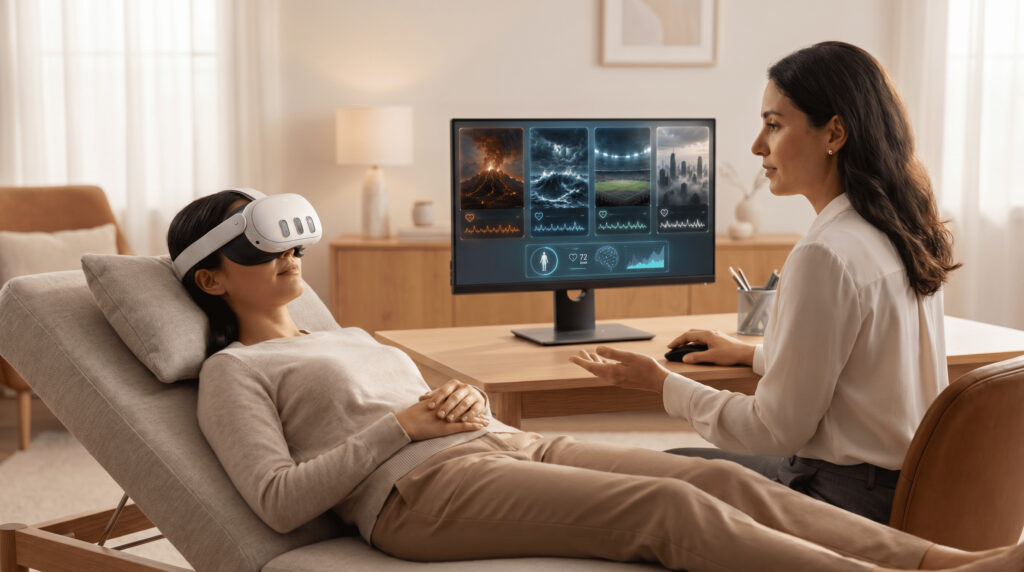
BECOME · XR
Virtual Reality and Biofeedback
An XR experience connected to biofeedback data: the project’s value lies in integrating the immersive scenario with signals collected during the experience, rather than the headset alone. Context: psychology and corporate wellbeing. The scenarios react to heart rate in real time, as documented on the project page.
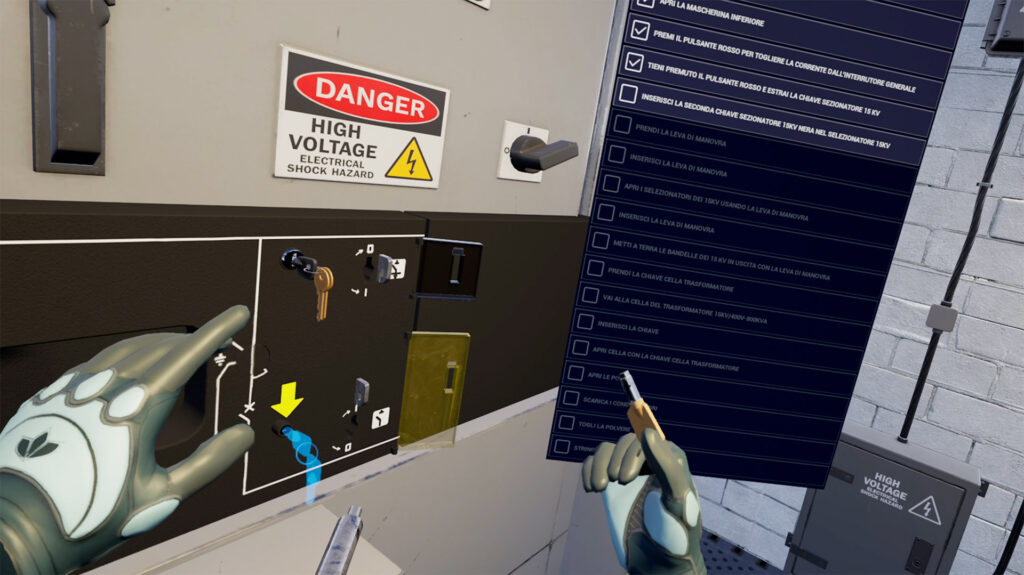
TRAINING · VR
VR Training
An immersive experience designed for training and operational simulation: the scenario allows users to practise actions and decisions in a controlled, repeatable environment. Context: technical education. The project documents learning, practice and advanced modes, together with recording of session times, errors and scores.
VR DEVELOPMENT IN TURIN
VR experiences for companies in Italy and abroad.
Loto Studios is based in Turin and manages VR design, development, reviews and testing with teams and clients, including remotely.
Turin · Piedmont
Corso Unione Sovietica 594, 10135 Turin. Hardware testing sessions are arranged when needed for the project.
FREQUENTLY ASKED QUESTIONS
FAQ about VR applications.
Devices, costs, updates and main use cases.
Is specific hardware required?
Yes, when the experience is intended for VR. We develop for the main devices and define the target hardware before optimising the build.
How much does a VR project cost?
The simplest experiences start from around €2,000. Gamification, healthcare and advanced training require larger budgets depending on scenarios, interactions and integrations.
Can I update the application over time?
Yes. Content, scenarios and features can be designed to evolve after the first release.
Is VR suitable only for training?
No. We also use it for culture, immersive marketing, events, simulations and healthcare.
Which headsets can it run on?
We assess Meta Quest, HTC Vive, Pico, Apple Vision Pro and professional configurations according to the project.
Is a standalone headset or PCVR better?
It depends on the balance between portability, visual quality, space and hardware management. Standalone devices reduce setup and make the experience easier to move; PCVR offers more rendering capacity but requires a dedicated workstation and infrastructure.
How do you reduce discomfort and motion sickness?
We design locomotion, speed, camera, UI, feedback and duration around the audience and task. We do not promise a complete absence of discomfort: behaviour needs early validation on the build and intended device.
How is a VR build distributed in a company or at an event?
It can be distributed through a store, sideloading, internal management or dedicated stations, depending on the device and context. With multiple headsets, updates, accounts, networking, charging and recovery also need planning.
Is a VR environment always a digital twin?
No. An immersive 3D environment becomes a digital twin when connected to data, state, procedures or simulations of a real system. A navigable reconstruction alone remains a VR experience.
LET’S TALK ABOUT YOUR PROJECT
We start from the scenario, audience and available hardware.
For the initial discussion, we need to understand what users should be able to do, the session length, where the headset will be used and which assets or devices are already available.
AN INITIAL DISCUSSION
Scenario, users and devices.
We start with the activity to simulate, the available materials and the intended headsets. Together, we define content, interactions and validation steps.
REQUEST AN INITIAL DISCUSSION
Tell us about the experience to develop.
The fields below are optional and help us tailor our first response.