

AR for training
Instructions where they are needed.
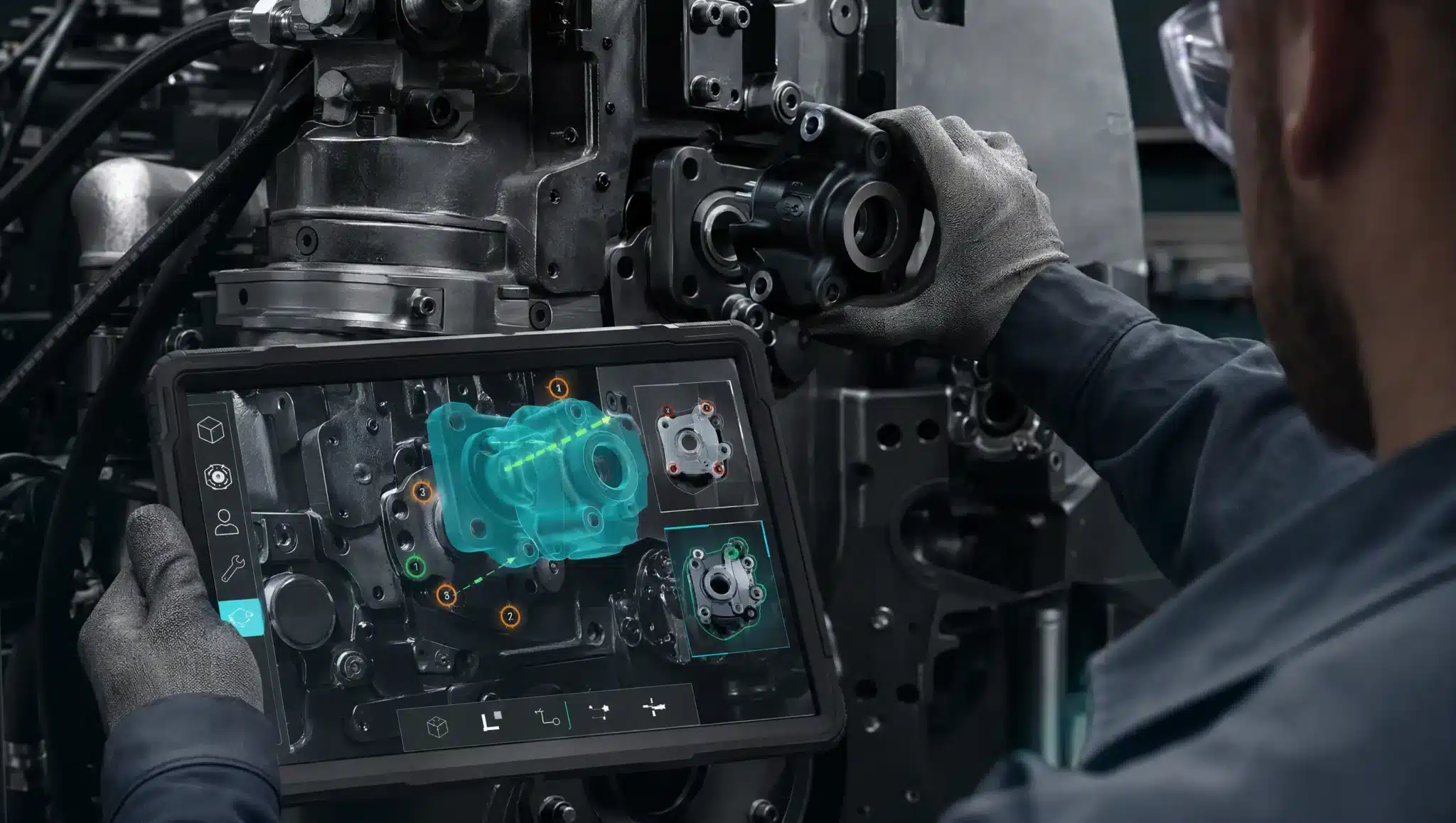
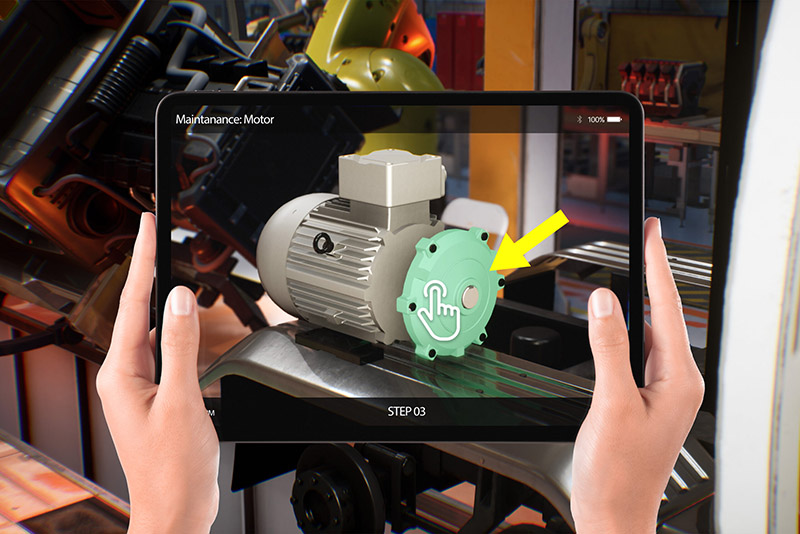
Augmented reality training overlays models, guidance and sequences on the context a person is observing. We design learning experiences for smartphones, tablets or compatible devices, starting with a defined procedure and learning objectives.
It helps when spatial relationships, component identification or an on-site step support understanding. Content is prepared with the subject expert: AR does not certify a procedure, replace the instructor or make an activity safe simply by displaying it.
When it helps
Learn alongside the real object
For components, assemblies, sequences and contextual instructions with a testable environment and device set.
When to choose differently
Simulate without the real context
If the object is unavailable or the activity cannot safely take place on site, a VR simulation may be more appropriate.
OUTPUTS AND INPUTS
What the project can include.
01
Components and relationships
3D models, labels and selective views explain structure and function. Detail is chosen for the lesson rather than preserving the full weight of the CAD.
02
Guided sequences
Steps, animations and instructions follow an order and checkpoints defined by the training lead. Critical information requires client approval.
03
Usage materials
Start-up instructions, intended devices and documented limitations. Assessments, result collection or learning-system integration require an agreed scope.
What we need to begin
Approved procedure, learning objectives, audience, object photographs and dimensions, available CAD or models, devices and operating environment.
TECHNOLOGY AND LIMITS
The procedure comes before tracking.
We choose image, surface or object recognition only after a representative test. Lighting, reflections, occlusion, movement and object size may affect alignment. Where precision is critical, we define tolerances and acceptance criteria before producing content. This is not presented as a standard remote-assistance suite or a certified safety system.
PROCESS
From a representative test to delivery.
01
Learning analysis
Identify the task, misunderstandings to address and approved source content.
02
Step prototype
Build a short sequence on the intended device and in the intended setting.
03
Content and review
Prepare models, animation and instructions; the subject lead validates accuracy and order.
04
Test and delivery
Test launch, readability, tracking and recovery; deliver the agreed materials.
FAQ
Practical questions before starting.
How is this different from AR maintenance?
The goal here is learning a procedure or understanding an object. Where the main workflow is a field-service intervention, the industrial-maintenance page covers that context.
Does AR replace the instructor?
No. It can support explanation and practice, but content validation and delivery of the learning pathway remain with the training lead.
Can CAD files be reused?
We can assess them as a starting point. Simplification, component organisation and materials suited to the final device are often required.
Will it work offline?
That depends on the architecture and content. Offline use must be specified in the brief and tested in the prototype; it is not guaranteed for every AR experience.
LET’S TALK ABOUT YOUR PROJECT
Which procedure would you like to make clearer?
Share the activity, audience, learning materials, real object and intended devices. We define the first step to prototype and who should validate it.
AN INITIAL DISCUSSION
Context, content and devices.
Share the activity, audience, learning materials, real object and intended devices. We define the first step to prototype and who should validate it.
REQUEST AN INITIAL DISCUSSION
Tell us about the experience to develop.
The fields below are optional and help us tailor our first response.