

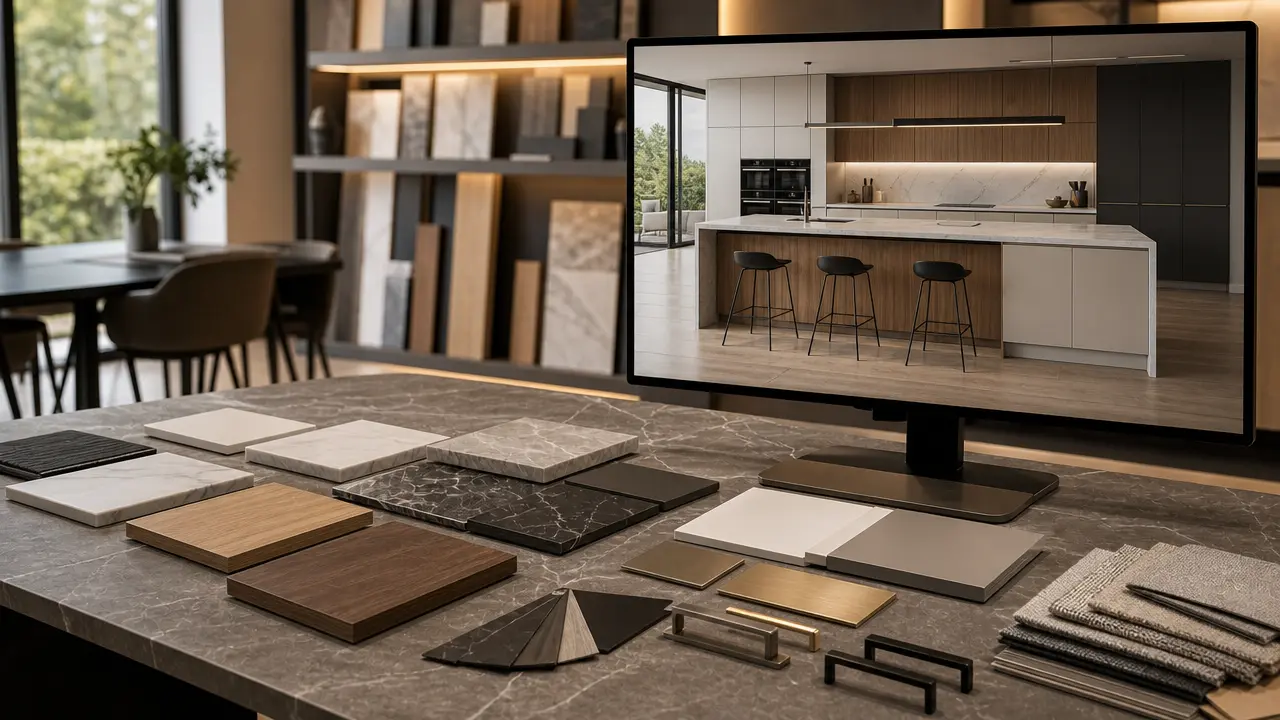
A showroom material configurator connects physical samples to a 3D product or environment: customers choose a finish and see its effect on the model. It helps sales advisers compare combinations that the exhibition space cannot display all at once.
We design the experience around your sample collection: materials, surfaces, combinations and devices. The sample remains the reference to touch; the visualisation shows how the choice fits into the product or environment.
Explore the product configurator family.
Samples and combinations to compare
For furniture, surface covering, kitchen and yacht interior showrooms where choosing requires seeing several finishes on the same model.
A catalogue without interaction
If you need to present a single composition, a rendering may be enough. If customers need to buy online, consider an e-commerce configurator.
THE DELIVERABLE
From the sample to a choice in context.
We agree which materials users can select, which surfaces can change and what the sales adviser receives at the end of the configuration.
Digital sample collection
Each finish is associated with the intended surfaces, using names and references consistent with the catalogue.
Physical or on-screen selection
Customers choose on a touchscreen or through samples recognised by the workstation. The reader and recognition method are defined within the project.
Summary for the sales team
A summary of the choices helps continue the consultation. Saving, sharing or requesting a quote are included in the agreed features.
THE PROCESS
Five steps from the sample collection to the workstation.
We start with a representative selection of materials and products, then test the experience in its intended setting.
Showroom analysis
We define users, products, available samples and the purpose of the consultation.
Combination mapping
We associate materials and codes with surfaces, clarifying compatibility and variants to exclude.
Model and material preparation
We optimise the 3D assets and check scale, textures, reflections and lighting against the available references.
Interaction development
We build selection, model updates and the summary, integrating the reader if required.
Testing and delivery
We test samples, combinations, devices and catalogue updates with the showroom representative.
APPLICATION EXAMPLES
Furniture and yacht interiors: seeing the combinations.
The images illustrate the material selection experience. They do not represent measured commercial results or a declared client case study.
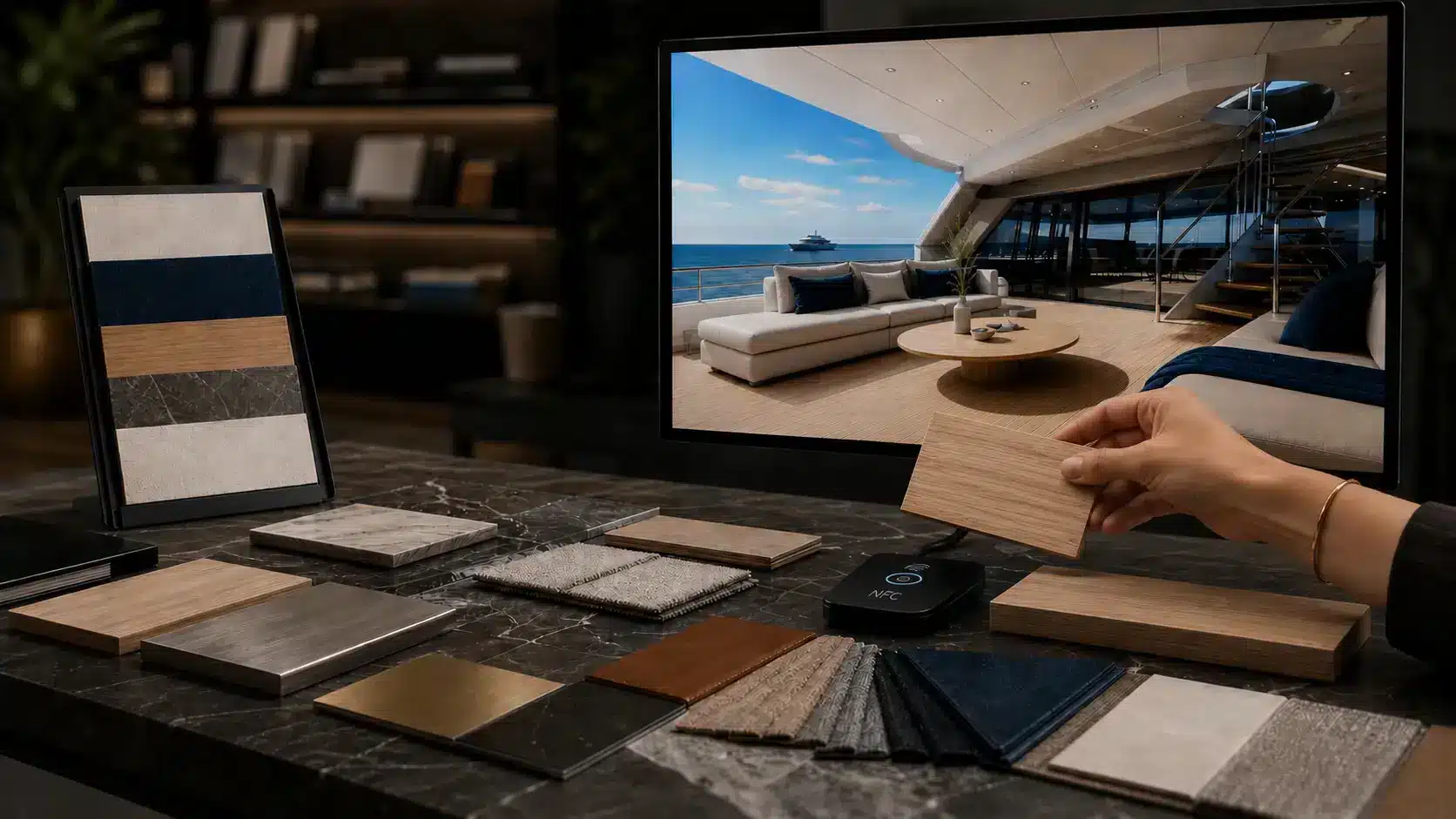
In a yacht interior, coverings and finishes can be compared on the model’s surfaces. The same approach applies to kitchens and furniture: the sample conveys the physical feel, while 3D helps users understand the overall composition.
On-screen appearance depends on the display, lighting and reference quality. A physical sample remains necessary to confirm colour, feel and finish.
FREQUENTLY ASKED QUESTIONS
Before starting your showroom configurator.
Do physical samples need a reader?
Not always. Selection can take place on screen or through samples associated with a reader. The method depends on the intended experience, the sample collection and the workstation hardware.
What materials are needed to get started?
We need a list and codes for the finishes, samples or photographic references, and the products and surfaces to customise. We also assess available 3D models and any reconstruction from drawings.
Does the on-screen colour match the real material?
The visualisation supports comparison and does not replace the sample. Displays, light, textures and reflections affect appearance: materials must be checked against physical references before delivery.
Can it save the selection or request a quote?
Yes, if these features are included in the project. We define which codes, materials and images to include in the summary and how to deliver it to the sales team; prices and integrations require specific data.
Does it work on touchscreens, tablets and offline?
We select the devices during analysis and adapt the interface and models. Offline use is a requirement to design and test, especially when saving or connections to external systems are involved.
How are new finishes added to the catalogue?
We agree an update procedure and which content you can manage directly. New textures, surfaces or rules need to be checked before becoming available in the showroom.
LET’S TALK ABOUT YOUR PROJECT
Which sample collection would you bring into a digital showroom?
Tell us about your products, approximate number of finishes, intended devices and whether you want to use physical samples. We help define an initial scope and the materials needed for assessment.
AN INITIAL DISCUSSION
Products, variants and systems to connect.
Share the catalogue, available 3D files and configuration rules. We can then assess the experience and required integrations together.
REQUEST AN INITIAL DISCUSSION
Tell us about the product to configure.
The fields below are optional and help us tailor our first response.