

AUGMENTED REALITY FOR E-COMMERCE
The product, in their space.
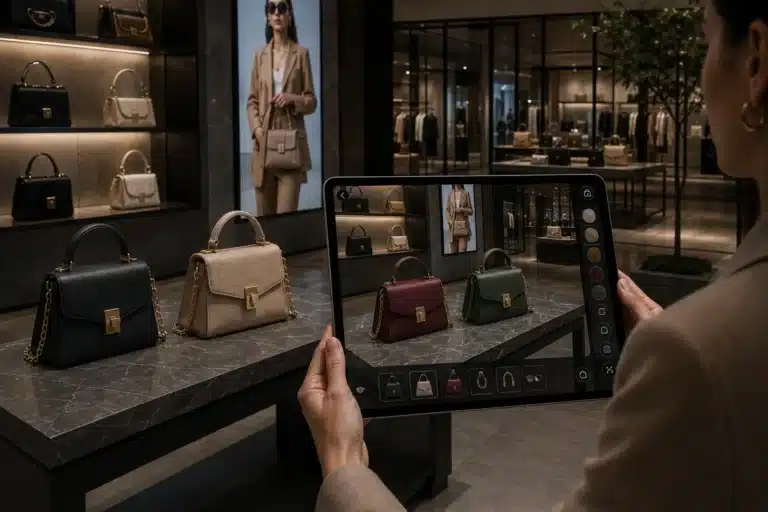
A photograph shows the product. Augmented reality helps customers assess its size, footprint and presence in their own environment before buying.
Loto Studios prepares 3D models for smartphones, tablets and WebAR and connects them to product pages or catalogues. We start with the available assets, sales channel and audience’s devices. Visualisation remains separate from configurator rules: prices, options and valid combinations belong to the commercial system.
Furniture and bulky products
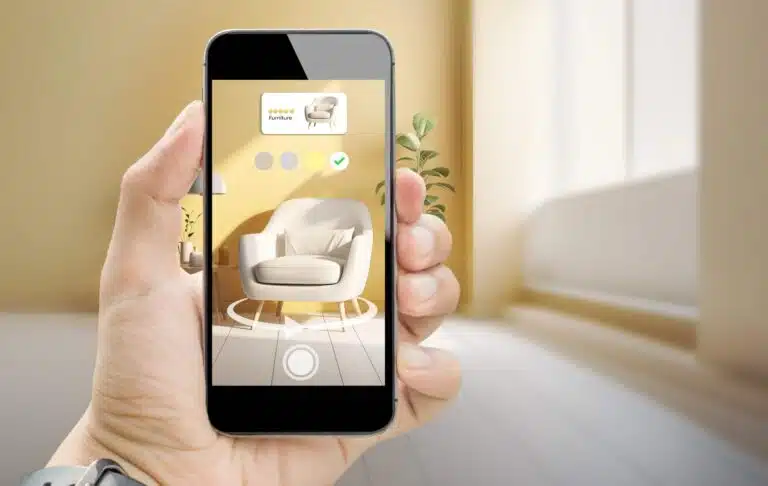
When scale and the relationship with the environment matter: furniture, home products, equipment and items that are difficult to display.
The entry point
Product page, QR code, catalogue or assisted sales: we choose where the experience starts within the buying journey.
VALUE
An informed choice, before ordering.
We define what the customer needs to assess and what the experience cannot guarantee in every condition.
Scale and footprint
We verify units, dimensions and model orientation. For critical clearances, we agree tolerances and tests on target devices rather than promising absolute precision.
Readable materials
We optimise geometry and textures to make the product recognisable on a phone. Finishes and transparency require different choices from offline rendering.
A repeatable workflow
For multiple SKUs, we define conventions, checks and asset updates. The same method can support digital catalogues, showrooms and sales representatives.
PROJECT REFERENCE
From configuration to the real space.
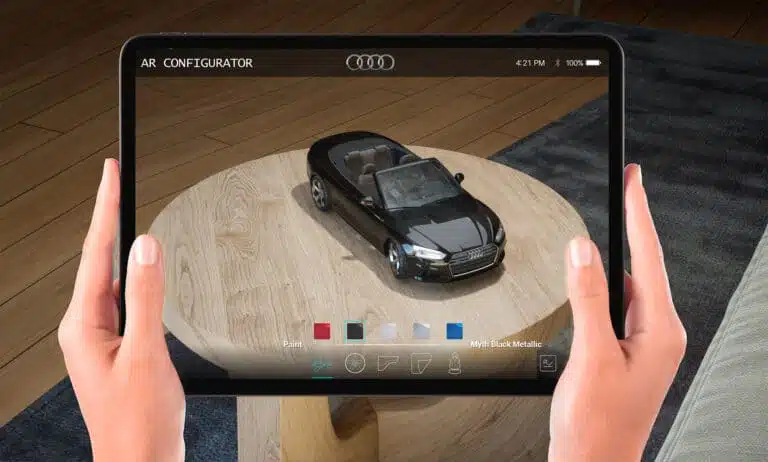
The Automotive AR Configurator project shows the transition from a digital configuration to augmented reality visualisation. It is an automotive case rather than an e-commerce result: it illustrates the separation between product logic and the AR view, without claims about sales or returns.
View Automotive AR ConfiguratorPROCESS
From the catalogue to the AR view.
We agree the inputs and validation criteria at each stage before extending the experience.
Catalogue
We define SKUs, categories, variants and the channels where AR will appear.
3D assets
We assess existing CAD files or models and prepare assets optimised for mobile.
Scale and materials
We check dimensions, orientation, textures and product recognisability.
Integration
We connect the AR view to the product page, QR code or agreed workflow.
Testing
We test loading, tracking and usability on representative surfaces and devices.
INPUTS AND DELIVERY
WebAR or an app: choose before development.
The initial review defines the technical and operational scope.
WebAR
It can start from a link or QR code without a dedicated app when assets, tracking and interactions fit the capabilities of the target browsers and devices.
Native app
Consider it for integration, performance or offline requirements. It involves installation, distribution and version maintenance.
A pilot product
Before extending the catalogue, we test a representative asset. Lighting, surfaces, memory and operating systems can affect actual behaviour.
FAQ
Questions before getting started.
Inputs, scope and practical choices for your project.
Does the customer need to install an app?
Not necessarily. WebAR is possible when tracking, assets and interactions are compatible with the target browsers and devices. We assess these limits before choosing the distribution method.
Can we start with our CAD files?
Yes. We check geometry, scale and materials and optimise the model for real-time and mobile use. A production file is not automatically ready for a phone.
Does AR manage prices and configurations?
Prices, rules and compatibility belong to the configurator or e-commerce platform. AR visualisation receives the valid result and displays it in the real space.
How does it connect to a product page?
We define the platform, data and devices before integration. Access can use a link, QR code, viewer or a component designed for the existing workflow.
Is the scale reliable in every condition?
It depends on the model and the device’s tracking capabilities. For critical clearances, we agree tolerances and representative tests; the AR view does not replace a survey or technical measurement.
LET’S TALK ABOUT YOUR PROJECT
Have a catalogue to bring into the real space?
Tell us about the products, number of SKUs, available CAD files or models, e-commerce platform and audience’s devices. We define an initial asset to assess and a path to extend the catalogue.
AN INITIAL DISCUSSION
Digital content in the real environment.
Tell us about the product or process, intended devices and available assets. We will assess the use case and integration steps together.
REQUEST AN INITIAL DISCUSSION
Tell us about your AR use case.
The fields below are optional and help us tailor our first response.