

Projects › 3D configurator › Lamp demo
Parts, finishes and compatibility rules you can try in your browser.
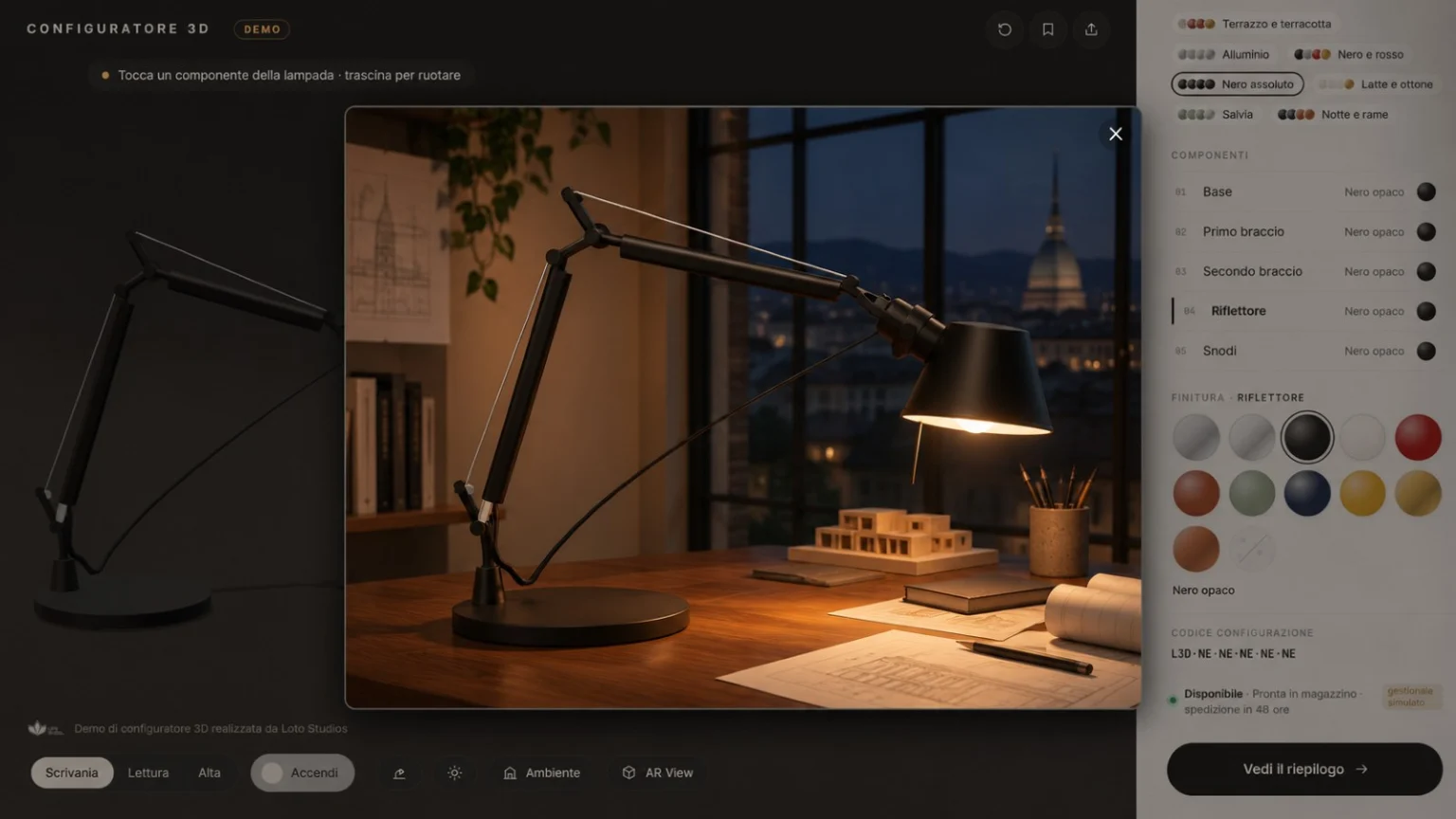
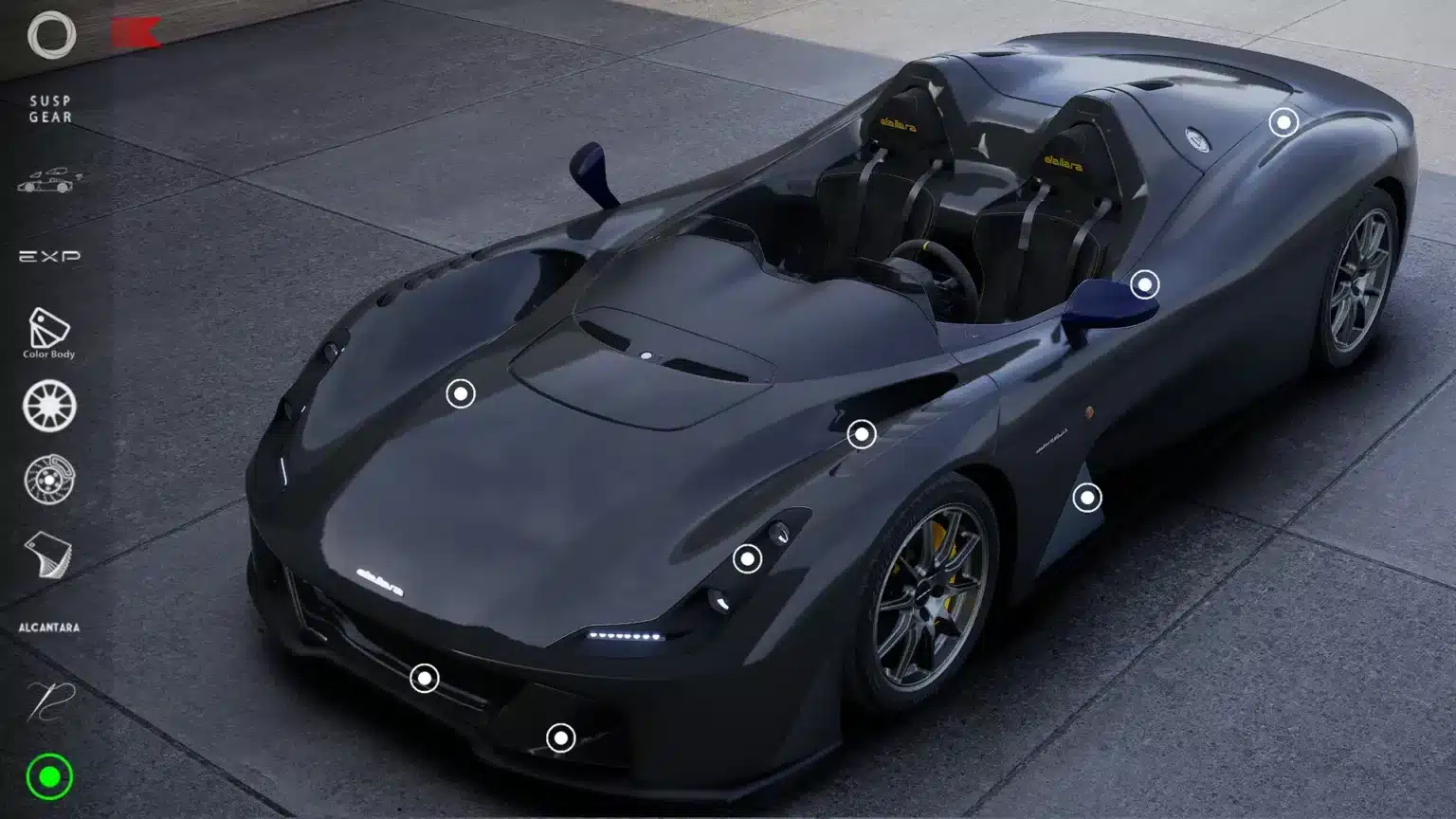
Loto Studios built a web 3D configurator to show how customers can personalise a product with several parts. Choose finishes for a table lamp, see each change immediately and open a summary with the configuration codes. The demo is for teams that design, sell or distribute configurable products.
Project overview
The demo at a glance
- Project/01
- Loto Studios demoTable lamp configuration
- Sector/02
- LightingFurniture and design
- Service/03
- Web 3D configuratorWeb 3D configurator development →
- Where it runs/04
- In a browserDesktop and mobile
- Integration/05
- Simulated ERPCodes, stock and order status
- Year/06
- 2026Interactive demo
Challenge and solution
Guiding customers through product options
The challenge. When every part has its own options, buyers need to see what changes on the product and which combinations they can order.
The solution. The demo shows how to apply finishes to individual parts and check compatibility in the browser. Unavailable options explain the restriction. Customers can compare colours, materials and lighting on the model in real time.
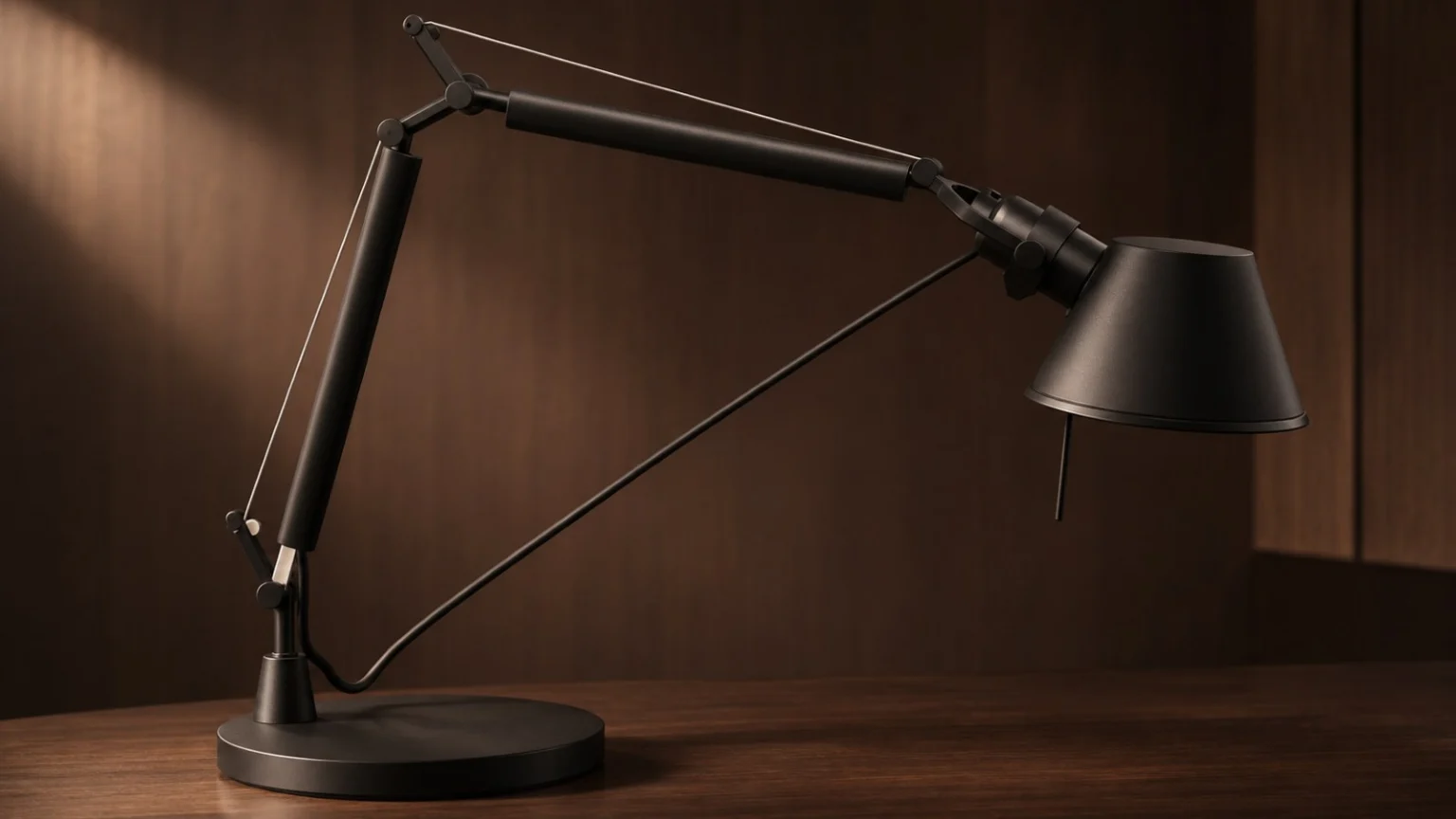
- 01Selectable partsChange the base, arms, reflector and joints separately.
- 02Visible rulesA compatibility rule blocks finishes that cannot be used on a part.
- 03Product previewPoses, lighting and room views help customers compare options.
What we delivered
From catalogue rules to a web demo
- 01 · Starting pointParts and finishesIdentify which parts can be customised and which materials fit each one.
- 02 · RulesCompatibilityShow valid choices and explain restrictions.
- 03 · InterfaceWeb configuratorShow changes immediately on the model. CAD or 3D files can be the starting point for a real project.
- 04 · DataConfiguration summaryShow configuration and item codes, stock and lead times. The demo simulates ERP data.
How the 3D configurator works
Watch on YouTubeFinishes in context
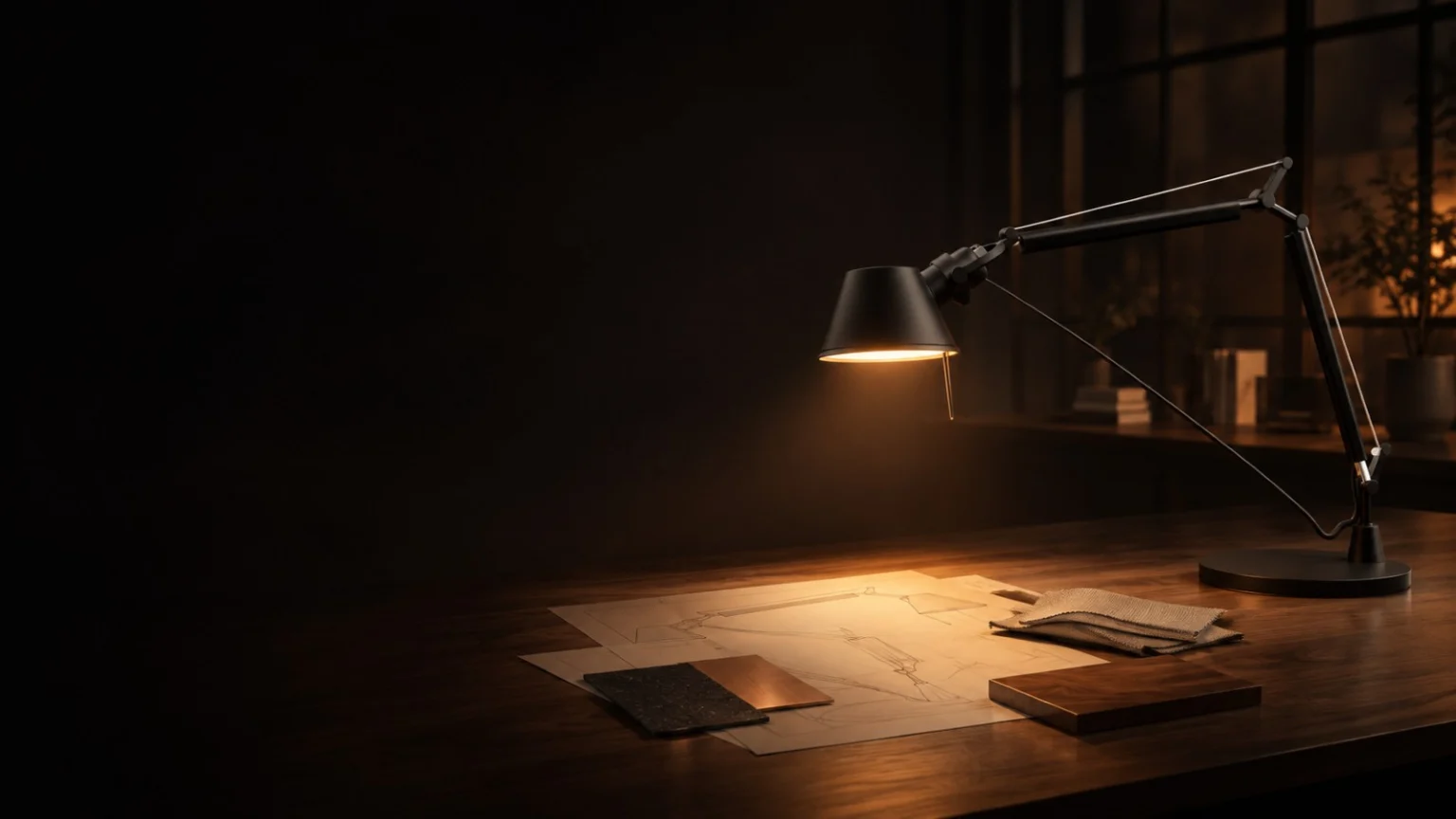
Two illustrative room settings
What the demo shows
From customer choices to order details
- SalesShareable configurationsSave a configuration, reopen it from the same link or generate a 4:5 card to share.
- OrderCodes and order progressThe summary shows packaging and simulates order received, ERP handover, production and shipping.
- PreviewThe product in your spaceOn compatible devices, you can preview the lamp in augmented reality.
This workflow is for lighting, furniture and design manufacturers, retail and e-commerce teams. For a real project, we can start with CAD, prepare the model for the browser and connect the configurator to the shop and ERP.
Explore the services: Web 3D configurator development · 3D product configurators · E-commerce 3D configurators.
Frequently asked questions
What is a web 3D configurator?
It is a browser-based tool that shows a product in 3D and updates the model when you choose parts, materials and finishes.
Do I need an app?
You can configure the product and see the summary directly in your browser. Augmented reality availability depends on the device and its system support.
Can it connect to e-commerce and ERP systems?
Yes. The configurator can transfer the selected variant to the shop and exchange codes, availability and lead times with the ERP, depending on the integrations in scope.
Can you start with the product’s CAD files?
Yes. We start with the available CAD or 3D files and prepare geometry, materials and variants for the web.


Let’s talk about your project
What options do you want your customers to configure?
Tell us what you sell, which options customers should be able to choose and where their choices need to go. We can start with your CAD or 3D files.
Tell us about your project.
Demo created by Loto Studios for demonstration purposes only: it is not affiliated with Artemide and the lamp is not for sale.