GLB, USDZ and WebAR: choosing formats for 3D on your website
Asset, viewer and user journey: what to prepare for a product page, a configurator and augmented reality.

A product that rotates on an e-commerce page, an armchair placed in a living room and a configurator with selectable finishes may start from the same object. They do not require the same delivery. Before asking whether you need GLB or USDZ, define what the person opening the page should be able to do.
The useful distinction is between the asset, the system displaying it and the user journey. A file contains the model; a viewer interprets its features; the website supplies controls, information and a next step. Delivering the first element alone leaves the other two unresolved.
Comparing GLB, USDZ and WebAR
| Element | What it means | Practical decision |
|---|---|---|
| GLB | The binary representation of a glTF asset. | Specify the scene to deliver and test it in the chosen viewer. |
| USDZ | A package containing USD content and permitted resources. | Prepare it for its intended destination and check the result. |
| WebAR | An augmented reality experience reached through the web, rather than a file extension. | Define access, devices, interaction and an alternative when AR cannot start. |
Khronos describes glTF as a format for delivering 3D assets, with GLB as its binary form. OpenUSD defines USDZ as a package: these are different specifications. A GLB file alone does not guarantee that every resource is embedded. Khronos, glTF specification, USDZ specification.
Start with the action, then define delivery
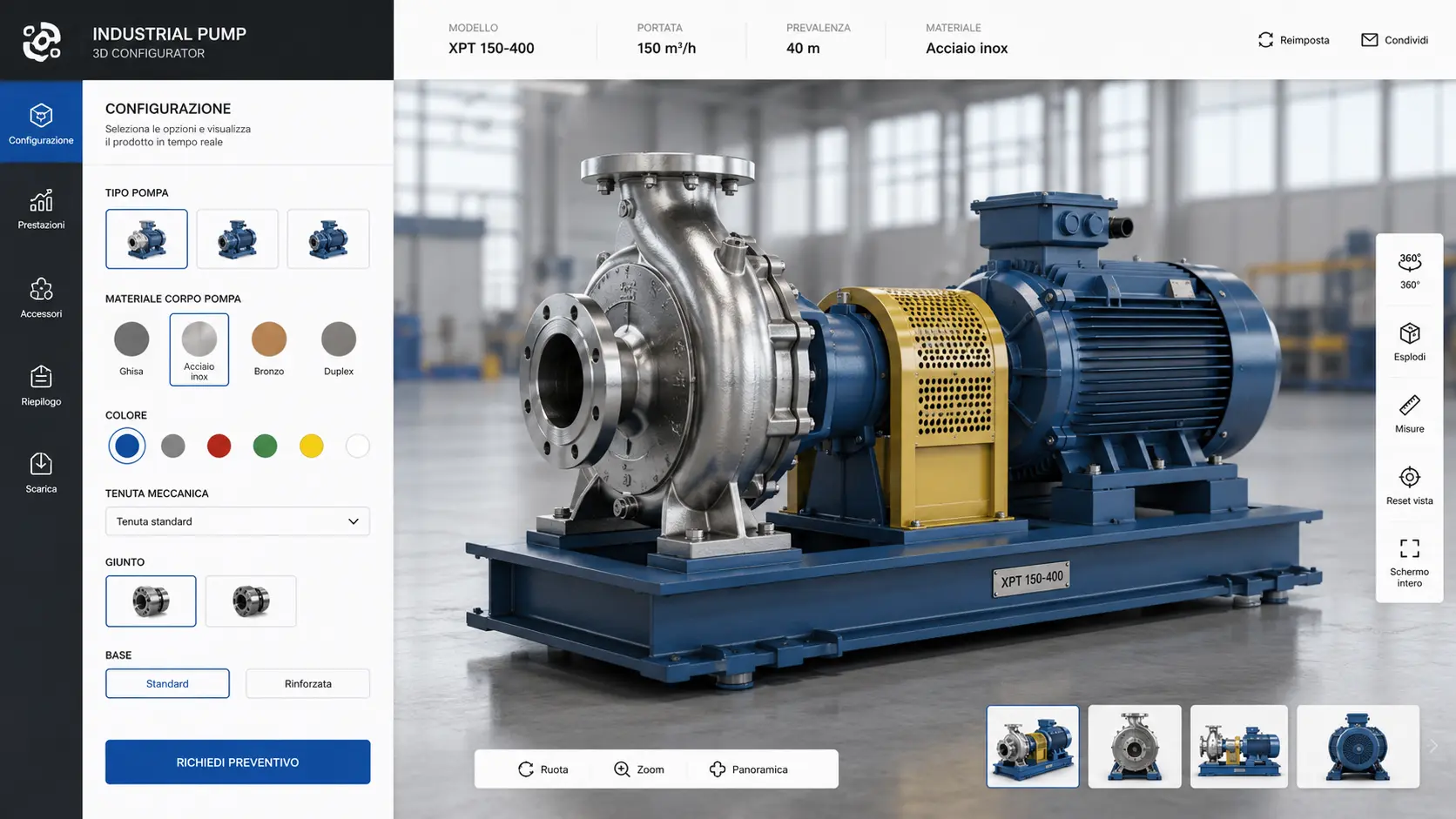
For a product page, ask whether visitors need to examine a shape or compare materials and dimensions. For the first task, define a useful opening view and a detail to explore. For the second, also decide which choices are allowed, which information changes and how the chosen configuration is preserved.
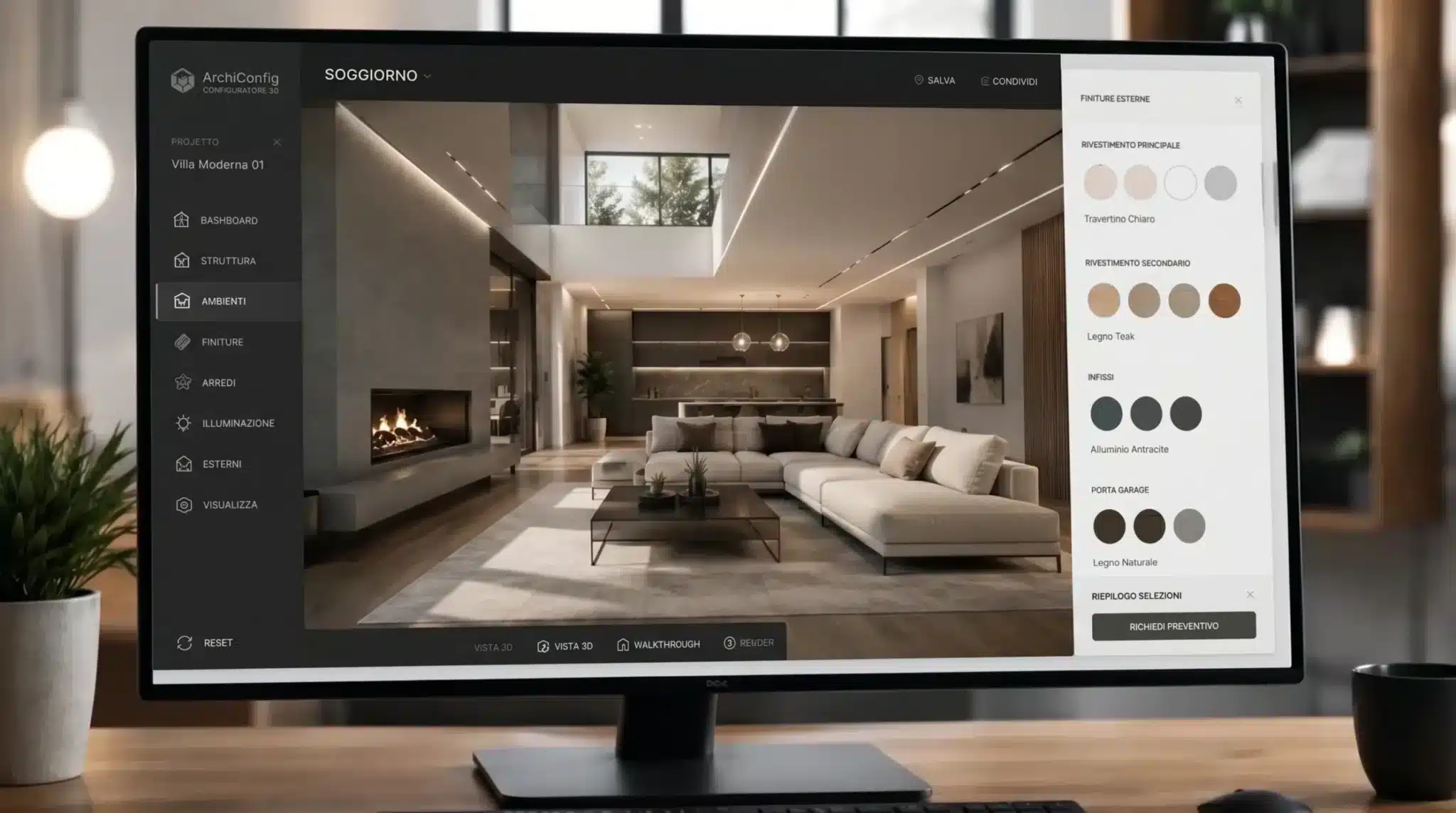
A product configurator therefore needs a specification for combinations and controls. The format name does not define these rules. Approve one representative configuration before preparing the whole catalogue: it gives everyone a concrete example to discuss and allows the method to be corrected before replication.
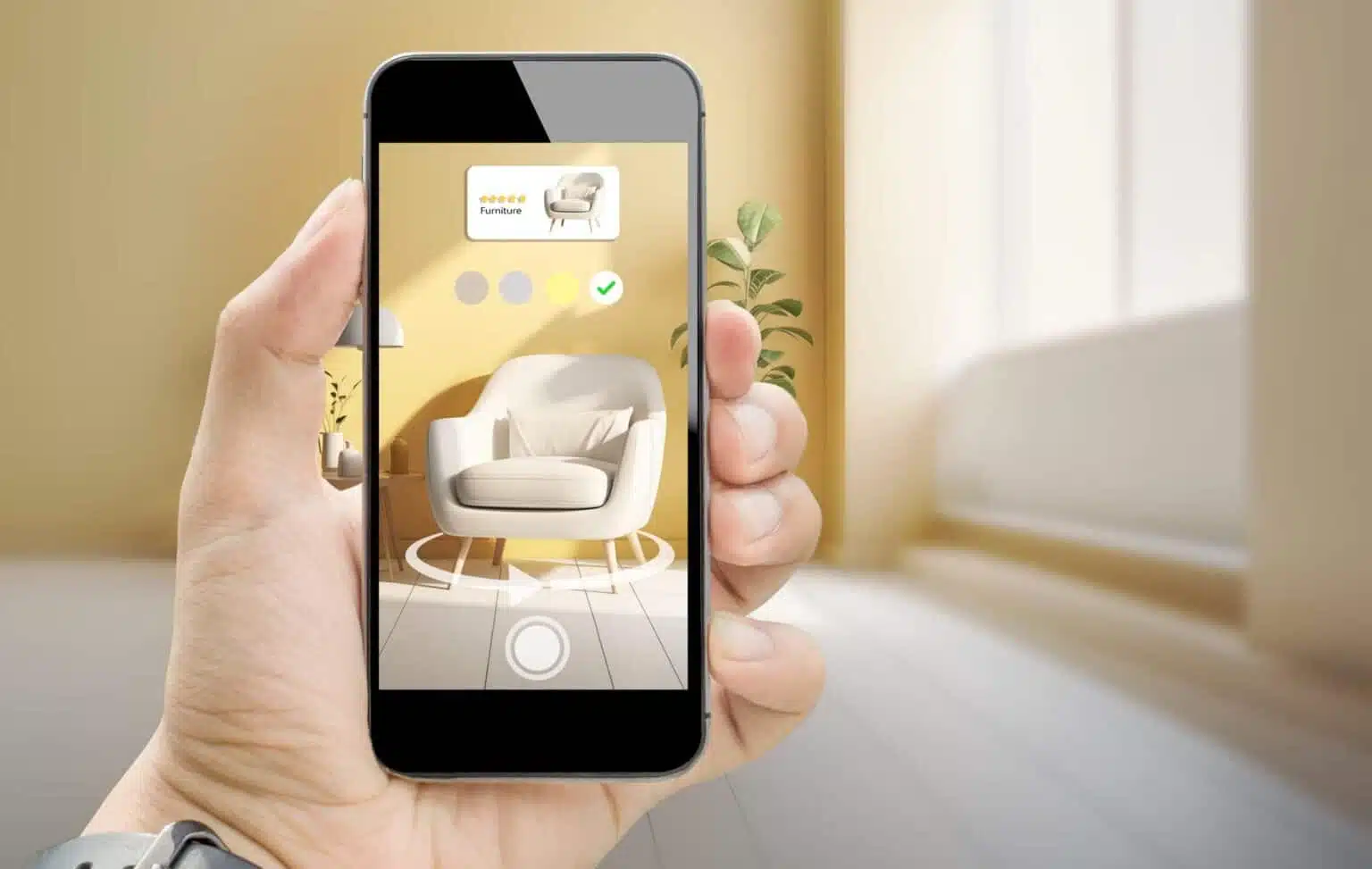
If the objective is to place a product in the user’s surroundings, the project enters the scope of augmented reality applications. Acceptance should then cover scale, placement and whether the starting instructions are understandable.
Viewing a model on screen is not an AR test
Apple documents Quick Look for displaying USDZ objects and opening AR experiences from Safari on iPhone and iPad. On Android, Google’s Scene Viewer documentation lists device and installed-service requirements, together with alternative destinations when the intended path is unavailable. Opening a model on a computer is therefore insufficient. Apple Quick Look, Google Scene Viewer.
Website controls also need attention. The official model-viewer examples distinguish WebXR, Scene Viewer and Quick Look. Page HTML controls do not automatically transfer into native viewers. The documentation also demonstrates a separate iOS asset when automatic generation is unsuitable. model-viewer: AR.
The operational choice is to define what must remain available: the selected colour, instructions, a technical sheet and the return to the product. Do not promise identical behaviour on every path before testing it.
From CAD to the delivery asset
An organised preparation can follow five steps:
- Collect inputs. Confirm the product version, dimensions, material references and parts to show. Separate final inputs from items awaiting approval.
- Choose a sample scene. Include a difficult element, such as a transparent surface or a thin detail, where relevant to the product.
- Prepare versions for the chosen destinations. Record required geometry, textures, variants and animation, without assuming every feature converts identically.
- Test the integration. Open the actual page, choose a variant, start AR where applicable and return to the commercial journey.
- Keep the approved revision. Associate the files, page and test results so that a later replacement can be checked.
There is no reason to impose a universal megabyte or polygon limit here. Agree the budget around the product, meaningful detail and intended devices, then measure the actual candidate. A lightweight but unreadable model does not satisfy the objective; an invisible detail should not be retained merely because it exists in the source.
Three scenarios for a better brief
Furniture, hypothetical example. A chair with several finishes requires consistency between the selected option and the object displayed. Testing should include the actual variant opened in AR and its apparent scale in the room.
Industrial component, hypothetical example. If the aim is to explain a connection, decide which parts to separate and which information should accompany the view. Guided exploration may be more useful than rotation without instructions.
Catalogue, hypothetical example. Before extending production to many items, agree file naming, revisions, preview images and responsibility for updates. Delivery also includes how the work will be maintained.
What to request in the handover
Request an asset and destination list, the variants actually supported, a sample page and the agreed test cases. For each issue, retain the device, version and steps needed to reproduce it. File validation and experience testing are different forms of evidence: neither replaces the other.
From an asset to a product journey
If you need to choose between viewing, configuration and AR, start with one object and one concrete action. We can assess the available material and define delivery with you: talk to Loto Studios.
LET’S TALK ABOUT YOUR PROJECT
Preparing 3D for your website, configurator or AR?
Bring one sample product, the files you have and the actions you want to offer. We define assets, destinations and testing with you.
AN INITIAL DISCUSSION
Product, files and destinations before production.
We start with what you want to achieve, the available materials and your timeline to define the next steps together.
REQUEST AN INITIAL DISCUSSION
Tell us about your project.
The fields below are optional and help us tailor our first response.
Six frequently asked questions
Are GLB and glTF separate projects?
GLB is the binary form provided by glTF. A brief should specify the required deliverable rather than use either term as shorthand for an entire application. Khronos.
Can I simply rename a GLB file to USDZ?
No. A USDZ package has its own structure. It needs appropriate preparation and a check in the chosen destination. OpenUSD.
Does a 3D file give me a configurator?
The brief still needs to define options, combinations, controls and the result to preserve. Start with an approved sample configuration, then extend the work.
Will the AR button work on every phone?
That should not be promised without a tested compatibility matrix. Google specifies requirements and alternatives for Scene Viewer: include them in the agreed testing. Google.
How large should the model be?
Agree a budget for the specific use case and measure the result on the intended device. Record what must remain recognisable: file size alone is not the quality criterion.
What can I send to get started?
One sample product, available files, dimensions, finishes, desired actions and the destination page. Identify approved materials and the person who validates the result.
Sources and scope
Official Khronos, OpenUSD, Apple, Google and model-viewer documentation consulted in late October 2026. The scenarios are hypothetical examples, not client cases. Images illustrate the type of work.
From a 3D model to a product journey
Product configurator
Augmented reality