
Meta Ray-Ban Display: web apps and services for business
AI glasses, mobile apps and display interfaces: three development paths to choose according to the task, data and context of use. A useful workflow is the starting point, before the technology.

Three development paths, with different roles.
Meta distinguishes development through a mobile app, Web Apps for Meta Ray-Ban Display and Meta AI Connectors. The Device Access Toolkit 1.0 began rolling out on 30 September 2026; connectors remain in developer preview. This distinction helps identify which part of a project to build. Source: Meta Connect recap.
A business starts with a concrete question: what should a person be able to do while wearing the glasses? Consulting a brief instruction, using an app function and querying a service are different workflows. They require different interfaces, data, permissions and ways of testing.
| Path | How it integrates | Output to design |
|---|---|---|
| Device Access Toolkit | Extends iOS and Android apps with access to glasses capabilities such as camera, microphone and audio. | A hands-free workflow connected to the mobile app and its permissions. |
| Web Apps on Display | HTML, CSS and JavaScript running directly on Meta Ray-Ban Display. | A brief display interface with readable navigation and actions. |
| Meta AI Connectors | Connects a service’s APIs and actions to the Meta AI assistant, in developer preview. | Clear operations, defined inputs and results that make sense in a conversation. |
Details and differences: official Wearables FAQ.
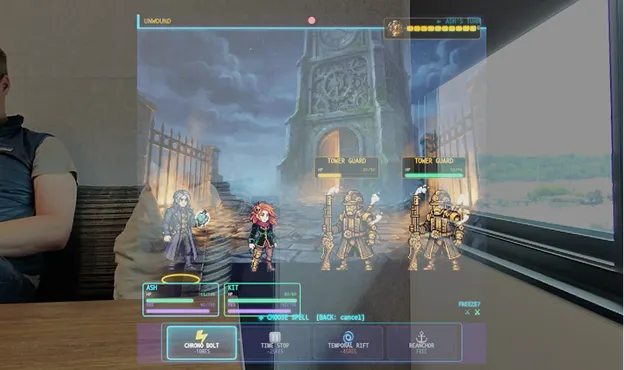
A small display needs a clear hierarchy.
Web Apps use an additive 600×600 display: black tends to disappear, while bright, high-contrast elements stand out. Inputs include arrow keys and Enter, gestures and text entry. The browser simulator helps test layout and navigation before testing on the glasses. Source: Meta Web Apps.
Our design interpretation: a screen should help complete an action, with one main piece of information and a clear next step. Moving a desktop dashboard into the field of view without redesigning its hierarchy increases the reading load. For a prototype, we would therefore start with brief text, clear states and an observable task.
Official Meta Web App example: a game interface overlaid on the real-world scene.
Three scenarios to evaluate in a business prototype.
These are proposed experiments: the workflow and compatibility are tested on the chosen device, with the project’s users and data.
Instructions and checklists
A brief operational sequence, with step confirmation and instruction retrieval. In the pilot, we would observe comprehension, error handling and the time required to complete the task.
Product information
Concise information for assisted sales or catalogue consultation. The test would show which information supports a decision and which is better left to the app or a larger screen.
Actions on business data
Checking a status or sending an action to a service. First, we define the data source, permissions, confirmations and behaviour when a connection is unavailable.
From a scenario to a usable test.
The first useful deliverable is a bounded workflow: one task, a group of users and a test environment. From there, we define the interface, required data, hardware and criteria for evaluating the prototype.
The brief covers existing applications, APIs, data to consult or modify, target devices and people involved in the test. The toolkit supports multiple models; capabilities and full access depend on the device and supported countries. Source: Meta requirements.
At Loto Studios, this work connects with AR application design, interactive interfaces and data-based services. For a project, we first choose the expected behaviour and then the platform that will deliver it.
Development and distribution need to be designed together.
Meta describes two discovery surfaces: the Meta AI app and Explore on Meta Ray-Ban Display. Selection is curated and submission methods are evolving. Development can start in Developer Mode. Source: Meta discovery.
For a business pilot, we separate access to the test from the final rollout: who uses the prototype, on which devices, who updates content, and how support and permissions are handled. These choices are as much a part of the project as the first screen’s layout.
Have a task that could benefit from a hands-free interface?
Tell us about the task, existing applications and available data. Together, we define a development path and a test with clear criteria.
Questions about Meta Ray-Ban Display and business development.
Do all Meta glasses run Web Apps?
The Web Apps described by Meta are for Meta Ray-Ban Display. For other models, the path can use the Device Access Toolkit and a mobile app. Check the model and capabilities in Meta’s FAQ.
Do we need a physical device immediately?
The browser simulator is useful for starting Web Apps layouts. Testing on the selected device remains part of verifying interaction and use in the project’s context.
Why start with a single task?
A bounded workflow makes interaction, required data and error points observable. The pilot helps decide what to extend before building a complete application.
What information is needed to start?
A concrete task, the users performing it, existing applications and the required data. This information helps compare a mobile workflow, a Web App and a conversational integration.
How do we evaluate a prototype’s result?
With agreed task-based criteria: comprehension, completion, errors and behaviour under the planned conditions of use. Metrics are collected in the test; the examples proposed here are working scenarios.
How can experiences be discovered?
Meta presents a curated selection in the Meta AI app and Explore on Display. Submission methods and availability should be checked in the current documentation before rollout.
Official sources and update
Sources checked on 10 October 2026. Capabilities, access and distribution can evolve: the Meta pages listed below are the operational reference.
Visual: Meta · Meta Connect 2026 · Web Apps.
KEEP EXPLORING
From the interface to the digital project.
Loto services and paths for designing information, interactions and content suited to the business context.
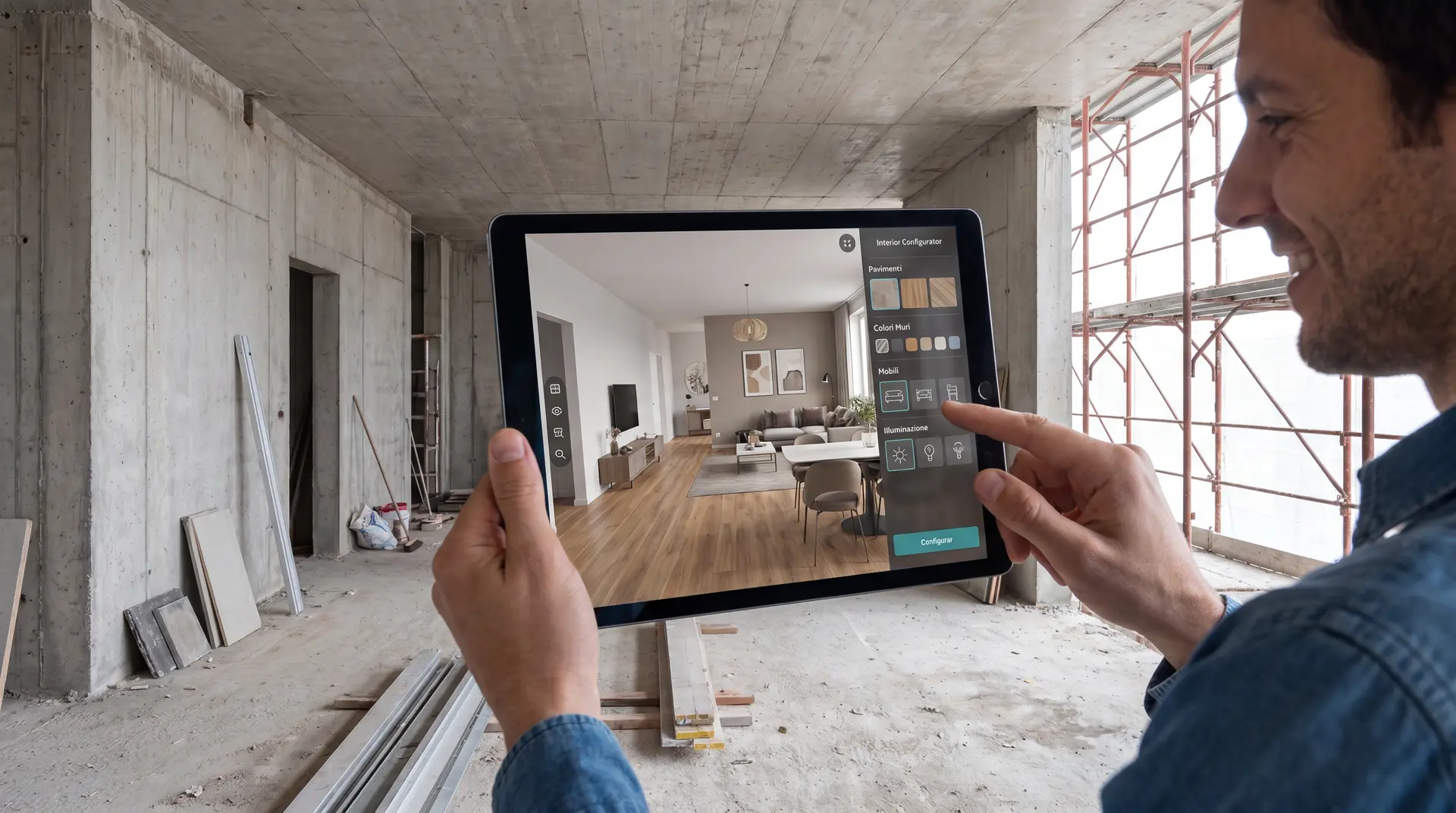
SERVICE · AR
Augmented reality applications
Information and interactions linked to products, environments and operational workflows.
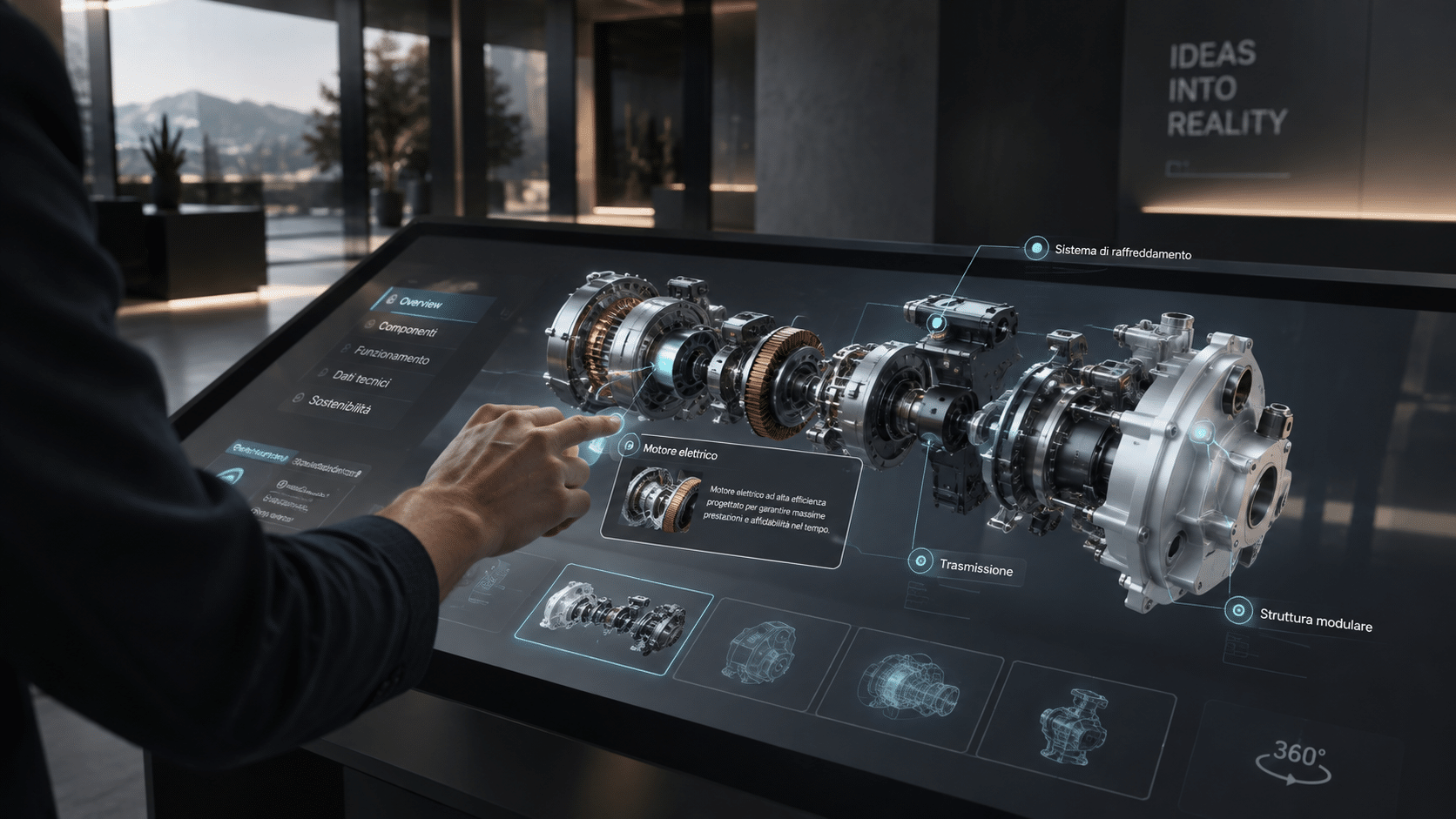
SERVICE · INTERACTIVE
Interactive applications and interfaces
From user behaviour to a navigable experience, with connected data and systems where required.

SERVICE · AI
AI content for business
Visual content production and management through a project-specific workflow.


